Create: subject, scene, style
Constrain: copy, position, hierarchy
01
Define the image and exact text
Describe the subject, setting, composition, and style. Put exact copy in quotation marks and specify its hierarchy and placement.
Use the GPT Image 2 text-to-image model on HiAPI for posters, knowledge cards, product visuals, and other generated images. Try it online or integrate the async API.
Provider: OpenAI
Category: image generation
Endpoint: /v1/tasks
Status: Available
Cost: See live page pricing
Use the GPT Image 2 text-to-image model on HiAPI for posters, knowledge cards, product visuals, and other generated images. Try it online or integrate the async API.
Pricing
Standard Usage
Use GPT Image 2 in your AI Agent
Install the HiAPI GPT Image 2 Skill to call the model from OpenClaw, Codex, Claude Code, OpenCode, and similar agents.
Ready for generation
Configure your parameters and click "Run" to see the output here.
Image generation examples
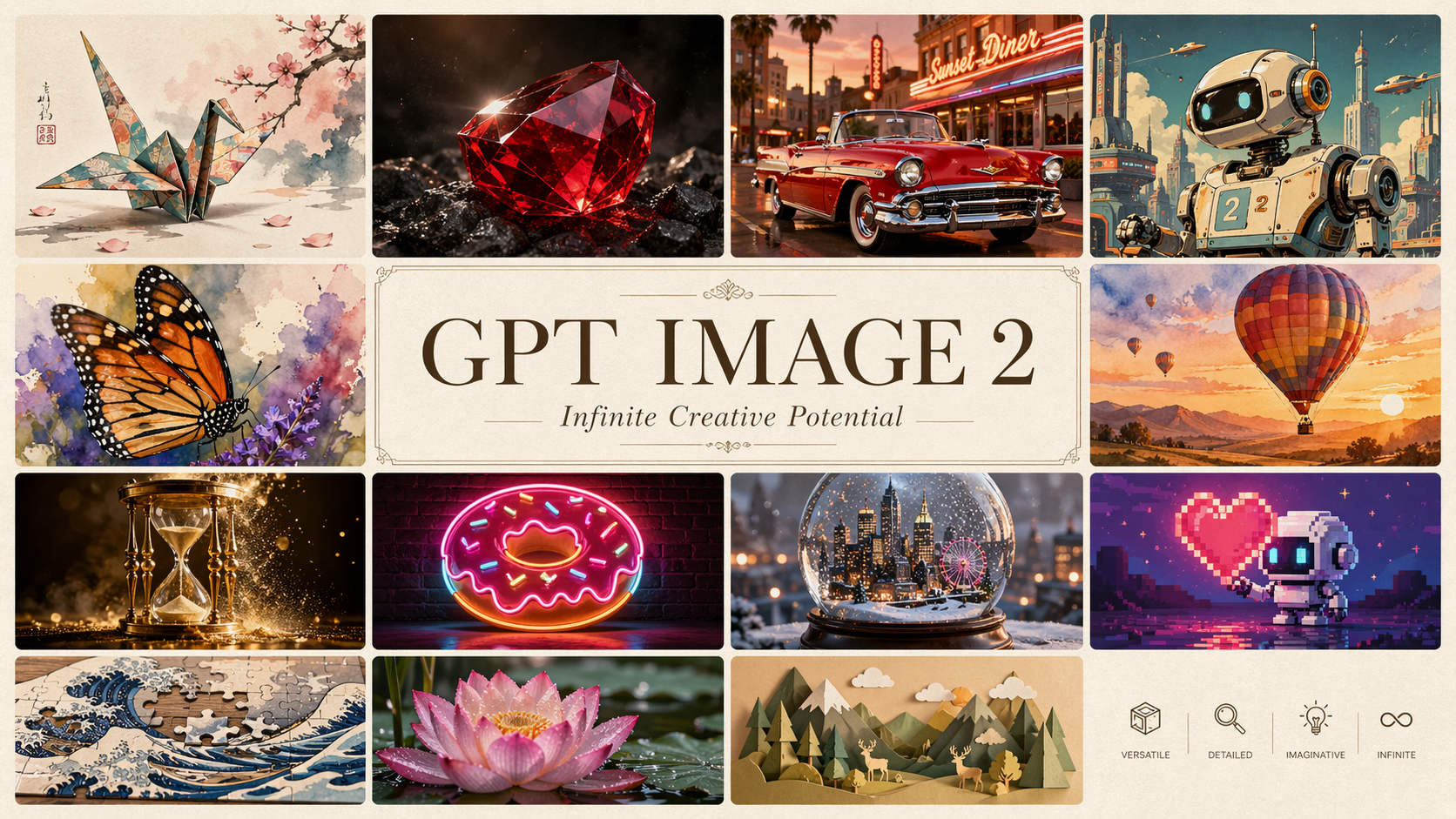
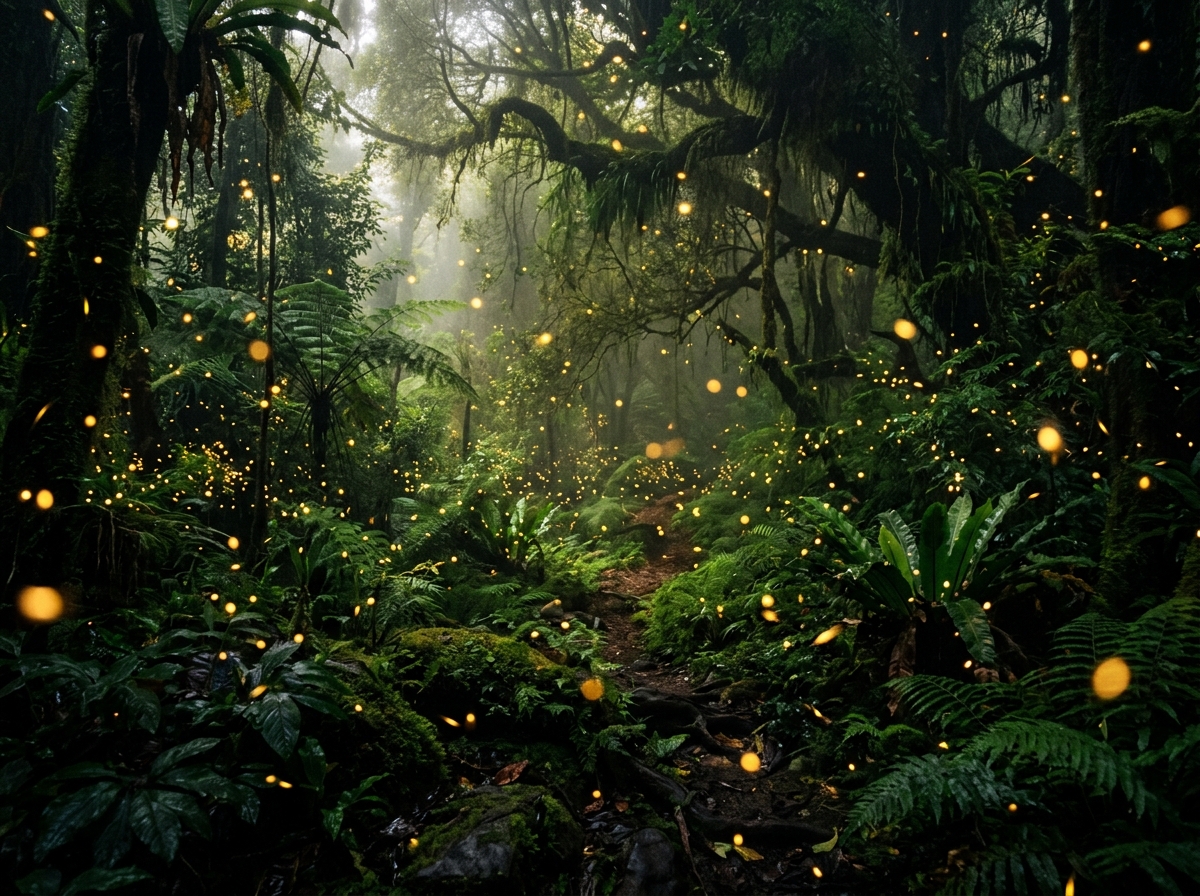
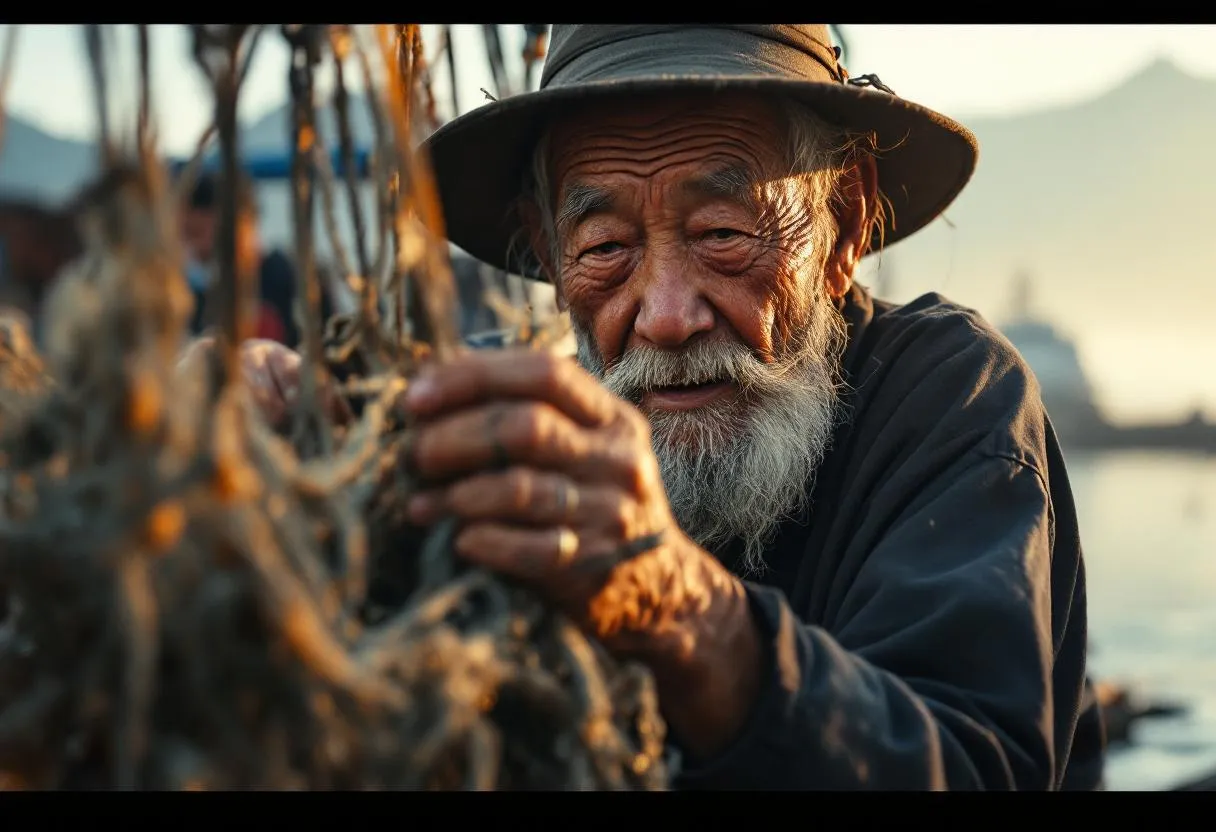
These existing prompt-library examples cover structured information, technical visuals, poster layouts, and character design. Open any image for a larger view, copy the original prompt when available, or continue to the full prompt recipe.
Choose an adjacent model by generation task, reference-image editing, or visual style.
GPT Image 2 is OpenAI's text-to-image model for text-heavy posters, structured knowledge cards, product visuals, character design, and complex prompts with explicit layout and object relationships.
The Playground, specifications, and quickstart on this page all use the stable text-to-image model ID gpt-image-2/text-to-image. The aspect ratios, resolutions, pricing, and API examples shown here apply to that model ID.
For resolution prices, batch budgets, and failed-task billing details, see GPT Image 2 API pricing and cost per image.
These specifications describe the current stable HiAPI text-to-image route. Other routes can use different parameter combinations.
Combination limits: auto supports 1K only; 1:1 does not support 4K; and 5:4, 4:5, 3:1, 1:3, and 9:21 are limited to 1K.
This page keeps the path from prompt validation to the first API call short. The API docs own full parameters, route differences, callbacks, and task retrieval.
Describe the subject, setting, composition, and style. Put exact copy in quotation marks and specify its hierarchy and placement.
This is the minimum asynchronous request for the stable text-to-image route. Use the API docs for callbacks, task retrieval, route parameters, and error handling.
POST /v1/tasksgpt-image-2/text-to-imagecurl --request POST 'https://api.hiapi.ai/v1/tasks' \
--header 'Authorization: Bearer YOUR_API_KEY' \
--header 'Content-Type: application/json' \
--data '{
"model": "gpt-image-2/text-to-image",
"input": {
"prompt": "A clean product photo of a red apple on a white table",
"aspect_ratio": "1:1",
"resolution": "1K"
}
}'The create request returns a taskId immediately while the image is generated asynchronously.
GPT Image 2 is OpenAI's text-to-image model. This page covers HiAPI's stable gpt-image-2/text-to-image model through the unified asynchronous task API for posters, knowledge cards, product visuals, and images with explicit text and layout requirements.
On HiAPI, the official product name is GPT Image 2 and its API model IDs do not contain “2.0.” GPT Image 2.0 is a common search shorthand rather than a separate HiAPI model. Use the exact model ID shown on the model page and in the API docs when integrating.
Send POST requests to /v1/tasks, set model to gpt-image-2/text-to-image, and pass prompt, aspect_ratio, and resolution in input. The create response returns a taskId; retrieve the final image through task polling or a callback.
Start in the Playground by describing the subject, scene, layout, and any exact text, then choose an aspect ratio and resolution. After validating the result, create an asynchronous API task with the same model ID. Use the GPT Image 2 API docs for all parameters, callbacks, task retrieval, and errors.
The standard route supports 1K, 2K, and 4K plus 16 aspect ratios including auto, 1:1, 3:2, 2:3, 4:3, 3:4, 16:9, and 9:16. Some combinations are restricted: auto is 1K only and 1:1 does not support 4K, so check the parameter docs before submitting.
HiAPI's stable route uses resolution-based per-image pricing. This model page shows the starting price; use the dedicated GPT Image 2 API pricing and cost per image guide for resolution details, batch budgets, and cost explanations, and confirm production budgets against live pricing.
Draft
1K
Final
2K / 4K
Match the aspect ratio to the final placement. Validate direction at 1K, then use 2K or a compatible 4K combination for the final asset.
Inspect text and composition in the Playground, then create an async task with the same model ID and retrieve the result by taskId or callback.