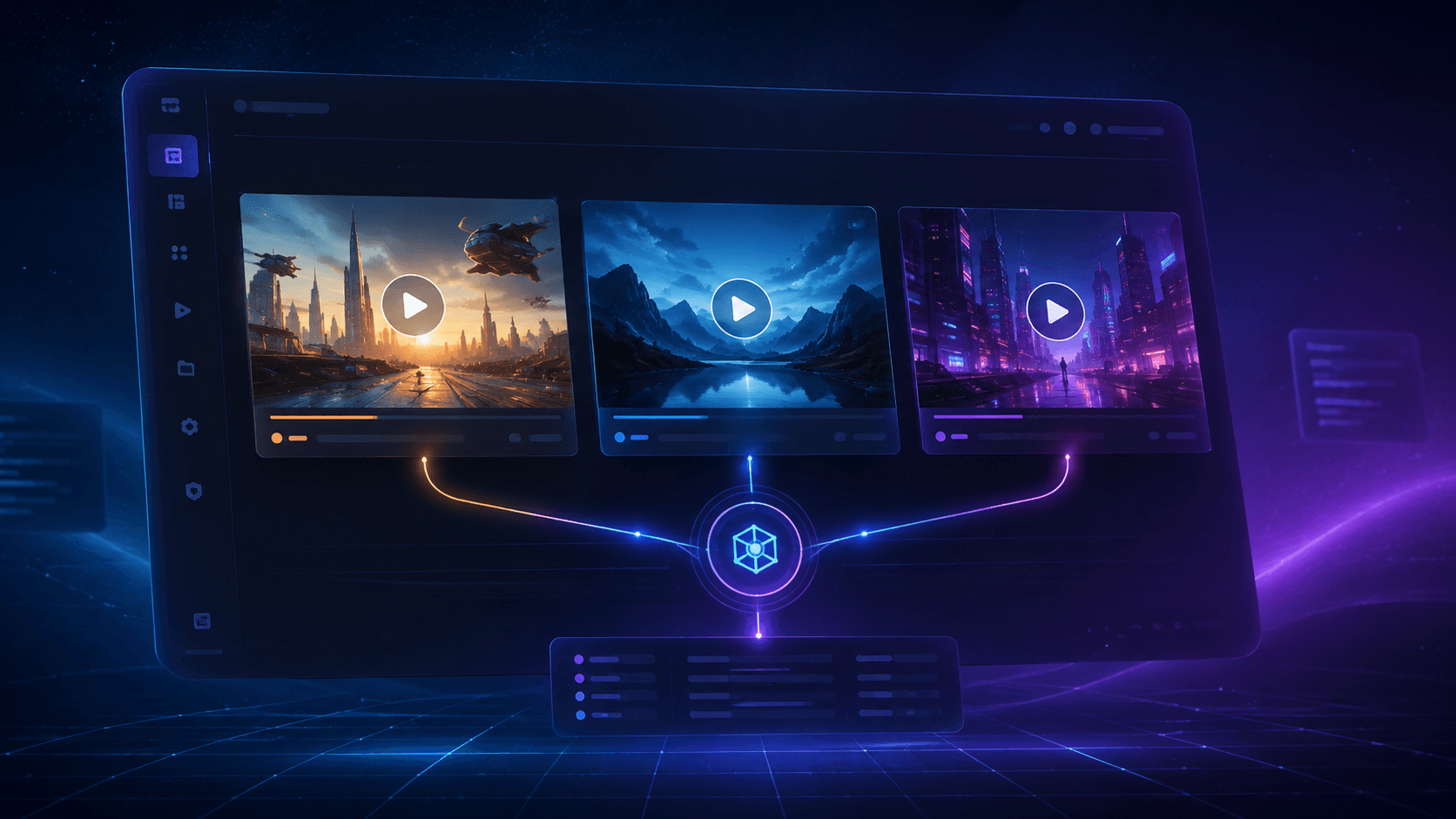
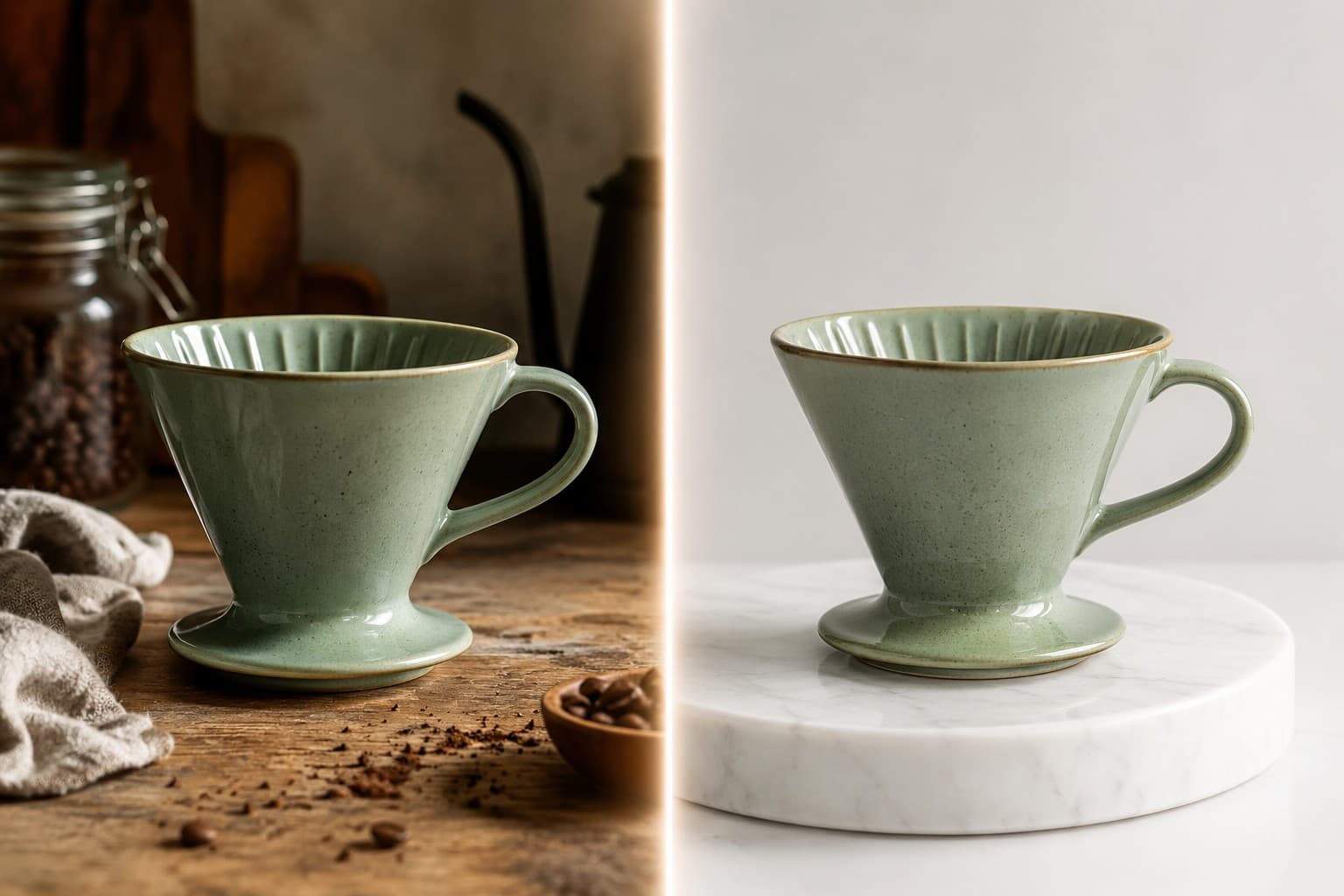
OpenAI's April 2026 image refresh shipped on two surfaces at once: ChatGPT Images 2.0 inside the chat product, and the gpt-image-2 API for developers. Same underlying model family, very different shape — and most of the "which is better" posts online conflate them.
If you are a developer deciding what to ship in your product, the choice is not really about quality. Both surfaces draw from the same model. It is about workflow, predictability of cost, and how much of the model's behavior you actually get to control. This piece walks through both, then gives you three concrete decision rules and a hiapi quick start so you can stop reading and just try the API.
The Two Surfaces, Concretely
ChatGPT Images 2.0 is the consumer experience. It lives inside the ChatGPT app and web client. OpenAI ships it in two modes: an Instant mode that runs for every tier including free, and a Thinking mode that adds layout reasoning, web search, multi-image batching, and self-checking — gated to Plus, Pro, Business, and Enterprise subscriptions. There is no API surface for the consumer product. You type, it draws, you download.
gpt-image-2 is the developer API, available on hiapi and through OpenAI's direct API. It is the same model family but exposed as a programmable endpoint. You hand it a prompt, optional size and quality parameters, and get back image data you can pipe anywhere — into your CMS, into a product feed, into a generation worker that runs ten thousand variants overnight.
The temptation is to treat them as the same thing with a different login flow. They are not. The consumer surface has a UI session, history, and the "Thinking" gate. The API surface has neither — it is stateless, billed per call, and gives you knobs the chat product hides.
What You Actually Pay
Here is where the gap gets interesting.
On the consumer side: $0/month gets you Instant mode in ChatGPT. $20/month (Plus) gets you Thinking mode. There is no per-image charge — generation is rate-limited rather than metered.
On the API side, the math is different. OpenAI's direct pricing is token-based: image output runs $30 per million tokens, plus image-input and text-input components. The cost of a single 1024×1024 image therefore varies with the quality tier — roughly $0.006 at low, $0.053 at medium, and $0.211 at high quality. That is a ~35× spread on the same canvas size, which means if you ship code that hardcodes the wrong quality flag, your bill can move an order of magnitude without your output changing visibly.
hiapi resells gpt-image-2 at a flat $0.03 per call at 1K — no token accounting, and the only price variable is the resolution tier you pick explicitly (2K ≈ $0.04, 4K $0.06), not a hidden quality string. Confirm it on the live pricing page — that is the source of truth. For most production workflows that is a friendlier shape: you can write a generation worker without having to forecast how token consumption will scale with prompt length. If you need the higher-fidelity variant we also expose gpt-image-2-pro at $0.35 and the image-to-image pro at $0.40, but you pick those explicitly.
| Surface | Pricing model | Per 1024×1024 image | Best for |
|---|---|---|---|
| ChatGPT Free | Free, rate-limited | n/a | One-off personal images, exploration |
| ChatGPT Plus ($20/mo) | Subscription | n/a | Designers iterating in a chat session |
gpt-image-2 direct | Token-based | ~$0.006 / 0.053 / 0.211 | Teams with token-accounting in place |
gpt-image-2 hiapi | Flat per call | $0.03 (1K) | Production workers, predictable bills |
gpt-image-2-pro | Flat per call | $0.35 | High-fidelity hero shots, marketing |
What You Get From Each Surface
ChatGPT Images 2.0 gives you reasoning by default. When Thinking mode kicks in, the model plans the layout, optionally pulls reference material from the web, generates, and self-checks. Multi-image batches and aspect ratios from 3:1 to 1:3 are built in. Non-Latin text rendering — Japanese, Korean, Hindi, Bengali — is noticeably stronger than the previous generation. None of this is a developer decision; it just happens.
gpt-image-2 gives you control. You set the size, the quality, the prompt format. You can pipe outputs through a CDN. You can run the same prompt against the same model from three different geographies, three times each, and compare. You can build batch flows that fan out 200 variants and pick winners by automated heuristic. None of this is possible inside the chat product.
The trade is real: the API does not currently expose a toggle for "Thinking" mode as a first-class parameter. If your workflow depends on the model browsing the web mid-generation, the consumer surface is still the only door. For the vast majority of production use — product photography, blog hero images, social cards, programmatic page art — the API gives you everything you need and removes the human-in-the-loop.
Three Decision Rules
Use ChatGPT Images 2.0 when:
- You are exploring an idea, not shipping a workflow. Iteration speed in chat beats anything you can wire up in code.
- You need the model to actively browse the web for visual references mid-generation. The API does not surface this.
- You are a non-developer, or you are designing a one-off campaign with fewer than ~50 images and no need to integrate with a CMS.
Use the gpt-image-2 API when:
- You are generating images programmatically — blog cover automation, product photo augmentation, marketing variant testing, anything in CI.
- You need cost predictability. With hiapi's flat $0.03, your monthly forecast is
image_count × 0.03. Done. - You need to pipeline outputs (resize, watermark, push to CDN, store reference in a database) without a human in the middle.
Use gpt-image-2-pro (or the image-to-image pro) when:
- The image is the product. Marketing hero shots, paid-ad creative, anything where a 10× quality bump for a 10× price is the right trade.
- You have a reference image you want to remix or extend, in which case
gpt-image-2-image-to-image-proat $0.40 is the right call.
If you are still on the fence, the cheap answer is: start with the API on hiapi for $0.03 a call, ship a small generation worker, and only escalate to the pro variants on the specific surfaces where the polish matters.
Quick Start on hiapi
The integration is two REST calls — POST /v1/tasks with model: "gpt-image-2/text-to-image" and a prompt creates the job; GET /v1/tasks/:id returns the finished image URL.
import time, requests

API = "https://api.hiapi.ai/v1/tasks"
HEADERS = {"Authorization": f"Bearer {HIAPI_TOKEN}"}

resp = requests.post(API, headers=HEADERS, json={
    "model": "gpt-image-2/text-to-image",
    "input": {
        "prompt": "An overhead flat-lay of a developer workstation: "
                  "matte-black mechanical keyboard, leather notebook, "
                  "cup of pour-over coffee, on a warm walnut desk. "
                  "Soft north-window light, magazine editorial feel.",
        "aspect_ratio": "1:1",
        "resolution": "1K",
    },
}).json()
task_id = resp["data"]["taskId"]

while True:
    task = requests.get(f"{API}/{task_id}", headers=HEADERS).json()["data"]
    if task["status"] in ("success", "fail"):
        break
    time.sleep(5)

open("out.jpg", "wb").write(
    requests.get(task["output"][0]["url"]).content)
Drop in "gpt-image-2-pro" for the high-fidelity variant, or switch to "gpt-image-2/image-to-image" and add an input_urls array when you want to edit a reference image. The task shape stays the same.
The Short Version
Both products draw from the same model. The consumer surface is for people; the API is for products. If you are reading this on a developer blog you almost certainly want the API — pick hiapi's flat $0.03 unless the polish of the pro variant is doing real revenue work. Save Thinking mode in the chat product for the moments you genuinely need the model to look something up on the web before drawing.
When in doubt: ship the cheap call, measure the output, escalate the few images where escalation pays for itself.