HiAPI
OverviewModels MarketAPI KeysUsage StatisticsCall LogsBillingReferralPlaygroundStorageChangelogContact UsSettings
Display unit
N
Powered by hiapi
Settings

Welcome

Black Forest Labs FLUX.2 Pro: high-fidelity text-to-image with strong prompt adherence and crisp in-image text.

Provider: Black Forest Labs

Category: image generation

Endpoint: /v1/tasks

Status: Available

Cost: See live page pricing

Back to Models

FLUX.2 Pro

by Black Forest LabsText-to-Image

Black Forest Labs' professional text-to-image model, available as an online image generator and through the asynchronous API for product imagery, posters, brand visuals, and detailed compositions.

Try online

From 75 Credits / image

Input

0 / 5000
Estimated cost100 Credits / image1 MP

Output

Ready for generation

Configure your parameters and click "Run" to see the output here.

--GPU-T4

FLUX.2 Pro Examples

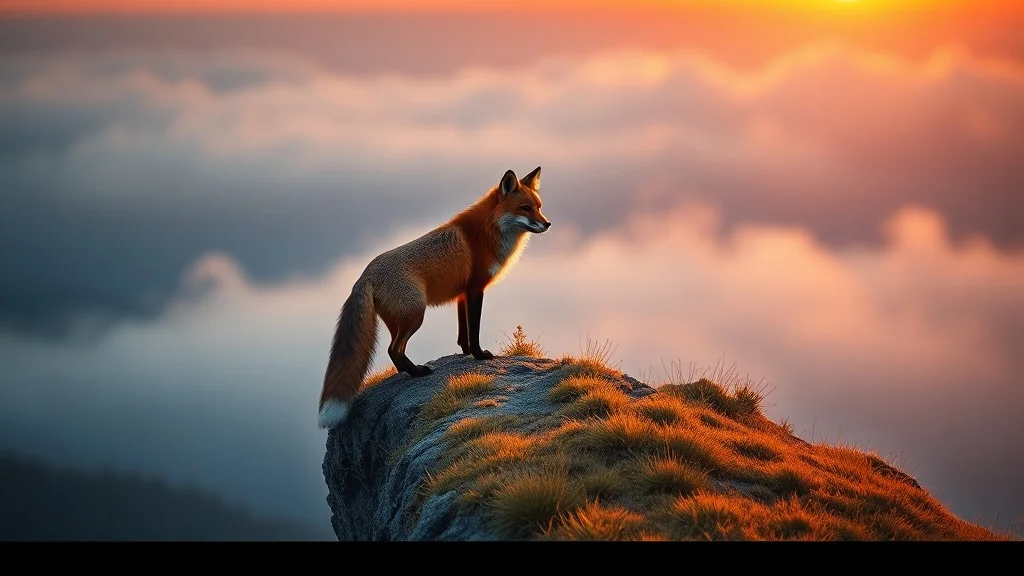
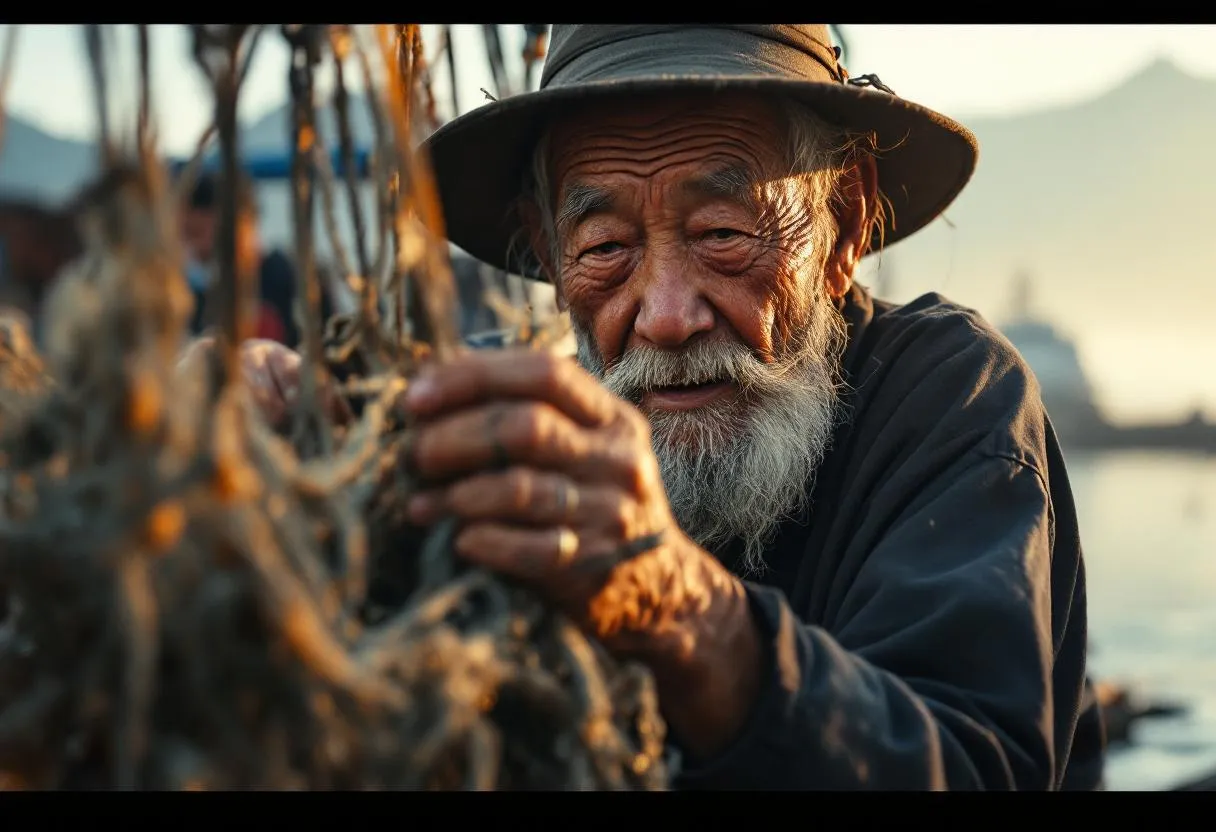
These images were generated with the current FLUX.2 Pro text-to-image endpoint across portrait, typography, complex composition, and cinematic scene prompts.

Related FLUX Models

Choose an adjacent model by input type, quality tier, or generation speed.

Image-to-Image

FLUX.2 Image-to-Image

Reference-image editing and composition in the FLUX.2 family.

Text-to-Image

FLUX 1.1 Pro

An earlier professional FLUX text-to-image endpoint.

Contact Us

Text-to-Image

FLUX.1 Schnell

A speed- and cost-oriented FLUX option for drafts and batches.

Real API model comparison

FLUX.2 Pro vs Nano Banana 2

Compare product rendering, poster text, portraits, spatial instructions, and editorial illustration with identical prompts.

FLUX.2 Pro

15 real generations

VS

Nano Banana 2

15 real generations

5 scenarios, human-reviewed

View full comparison
Compare AI image APIs

About FLUX.2 Pro

FLUX.2 Pro is Black Forest Labs' professional text-to-image model. HiAPI currently exposes it as flux-2/text-to-image for marketing visuals, product and brand assets, posters with short written copy, portraits, and complex compositions that specify subjects, spatial relationships, camera language, and lighting.

The online image generator on this page and the API use the same model ID. Test a prompt, resolution, and output format in the Playground, then move the approved request into an asynchronous server workflow. This endpoint is text-to-image only and does not accept reference images; editing and multi-image composition belong to the separate FLUX.2 Image-to-Image model.

Provider
Black Forest Labs
Task
Text-to-Image
Max output
4 MP
Pricing
74 Credits / image

Model Specifications

These specifications reflect the current public HiAPI request contract for FLUX.2 Pro Text-to-Image. The API documentation remains the source for full parameter definitions, callbacks, and task retrieval.

Model ID
flux-2/text-to-image
Endpoint
POST /v1/tasks
Resolution
0.5 MP1 MP2 MP4 MP
Aspect ratios
1:116:93:22:34:55:49:163:44:3custom
Output formats
WebPJPGPNG
Seed
Integer seed supported
Safety tolerance
1-5Default 2
Reference image support
Not supported; text-to-image only

In custom mode, width and height may be set from 256 to 2048 and are rounded to multiples of 16; the resolution tier is ignored. The current endpoint exposes neither a negative prompt nor reference-image fields.

How to Use FLUX.2 Pro

The online tool and API share the same model contract, so the workflow moves from prompt validation to production integration in three steps.

01

Enter a prompt

Define the subject, scene, composition, lighting, and short in-image copy, with the highest-priority constraints first.

Prompt163 / 5000
An elderly watchmaker examines an open brass pocket watch in a warm, tool-filled workshop, photographed as a close Hasselblad portrait with shallow depth of field.
Use prompt
01

Enter a prompt

Define the subject, scene, composition, lighting, and short in-image copy, with the highest-priority constraints first.

Prompt163 / 5000
An elderly watchmaker examines an open brass pocket watch in a warm, tool-filled workshop, photographed as a close Hasselblad portrait with shallow depth of field.
Use prompt
02

Choose size and format

Match resolution, aspect ratio, and WebP, JPG, or PNG output to the delivery surface.

Resolution

0.5 MP1 MP2 MP4 MP

Output format

webpjpgpng

Aspect ratio

1:116:93:22:34:55:4
03

Generate or integrate

Validate the result in the Playground, then submit the same model ID asynchronously and retrieve it by callback or task query.

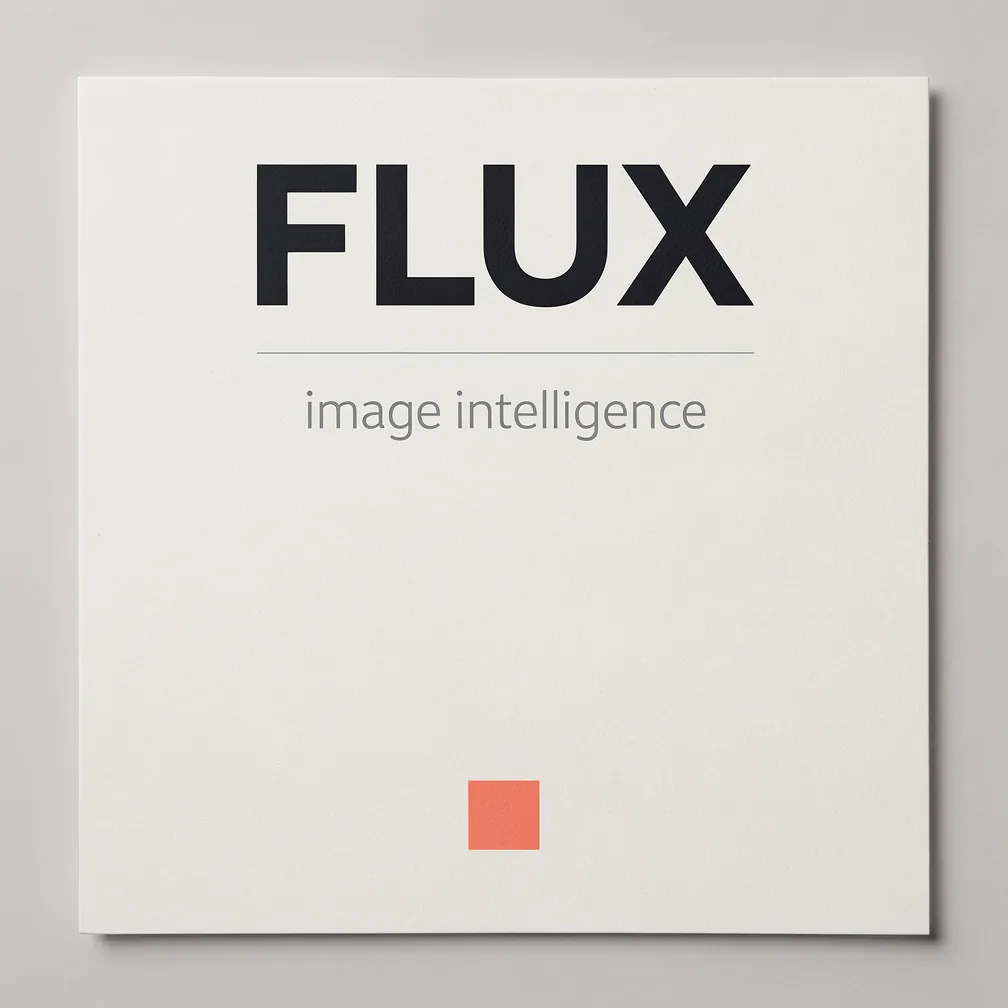
Minimal FLUX typography poster with coral accentResult

Async task

POST /v1/tasks

Model

flux-2/text-to-image
Completed; result URL returned

Read the FLUX.2 Pro API parameters, requests, and callbacks

FLUX.2 Pro API Quickstart

This is the minimum request needed to create an asynchronous FLUX.2 Pro task. Use the separate API documentation for full parameters, callbacks, and task retrieval.

Endpoint
POST /v1/tasks
Model ID
flux-2/text-to-image
cURL
curl --request POST 'https://api.hiapi.ai/v1/tasks' \
  --header 'Authorization: Bearer YOUR_API_KEY' \
  --header 'Content-Type: application/json' \
  --data '{
    "model": "flux-2/text-to-image",
    "input": {
      "prompt": "A minimalist product photo of a frosted glass perfume bottle on white marble, soft window light, generous negative space",
      "aspect_ratio": "4:5",
      "output_format": "webp",
      "resolution": "1 MP"
    }
  }'
A successful create request immediately returns taskId and an initial status; image generation continues asynchronously.
View full API documentationGet API key

Frequently asked questions

What is FLUX.2 Pro?

FLUX.2 Pro is a text-to-image model from Black Forest Labs. HiAPI exposes it through the unified asynchronous task endpoint for workflows such as product imagery, posters, brand visuals, and compositions with detailed written constraints.

How much does FLUX.2 Pro cost?

FLUX.2 Pro is priced by output-resolution tier. Preset aspect ratios do not change the price within a tier. See the live page price and task record for the final charge.

What resolutions does FLUX.2 Pro support?

The current HiAPI endpoint supports 0.5 MP, 1 MP, 2 MP, and 4 MP tiers. With the custom aspect ratio, width and height can be set from 256 to 2048 and are rounded to multiples of 16; the resolution field is ignored in custom mode.

How do I use the FLUX.2 Pro API?

Send model=flux-2/text-to-image and input.prompt to POST /v1/tasks. The asynchronous response returns a taskId. In production, configure callback.url for terminal notifications or query the task endpoint for the result. The separate API documentation contains the complete parameter and request reference.

Can I try FLUX.2 Pro online?

Yes. Use the Playground on this page to test a prompt, aspect ratio, resolution, and output format, then use the same model ID when you are ready to integrate the API.

Does FLUX.2 Pro support image editing?

The flux-2/text-to-image endpoint on this page is for text-to-image generation. For reference-image editing or composition, use the separate flux-2/image-to-image model instead of adding image fields to this request.

Can I use FLUX.2 Pro commercially?

Commercial use depends on the current Black Forest Labs terms, the HiAPI terms, and the content and jurisdiction involved. Review the latest licensing and compliance requirements before production use; this page is not legal or licensing advice.

What is the difference between FLUX.2 Pro and FLUX.2 Klein?

FLUX.2 Pro is the high-fidelity production option with a published HiAPI model ID, parameter contract, and four resolution-based prices. FLUX.2 Klein is positioned for efficiency and faster iteration, but this repository does not currently contain a verifiable HiAPI Klein endpoint, price, or specification, so this page avoids publishing unsupported numbers or a dead link.