
HiAPI
OverviewModels MarketAPI KeysUsage StatisticsCall LogsBillingReferralPlaygroundStorageChangelogContact UsSettings
Display unit
N
Powered by hiapi
Settings

Welcome

Contact Us

Edit with Seedream 5.0 Lite Image to Image using up to 14 references, real recolor, text replacement, and composite examples, 2K or 4K output, and API code.

Provider: ByteDance

Category: image generation

Endpoint: /v1/tasks

Status: Available

Cost: See live page pricing

Back to Models

Seedream 5.0 Lite Image to Image

by ByteDanceImage

Edit with Seedream 5.0 Lite Image to Image using up to 14 references, real recolor, text replacement, and composite examples, 2K or 4K output, and API code.

Pricing

Standard Usage

70 Credits/ image

Input

0 / 3000
Estimated cost70 Credits / imageper image

Output

Ready for generation

Configure your parameters and click "Run" to see the output here.

--GPU-T4

From references to edited results

Each case separates references, the edit instruction, and the complete result, with image zoom and prompt copy.

Change only the mug material and color · After
Change only the mug material and color · Before
BeforeAfter

1 reference image(s) / 2496 × 1664

Change only the mug material and color

The mug becomes glossy cobalt while steam, desk, notebook, pen, plant, lighting, and camera stay fixed.

Prompt · English

Change the matte white ceramic mug into a deep cobalt blue glazed mug with a glossy reflective finish, keep the steam, the oak desk, the open notebook, the fountain pen, the succulent, the lighting and the camera angle exactly unchanged, photorealistic
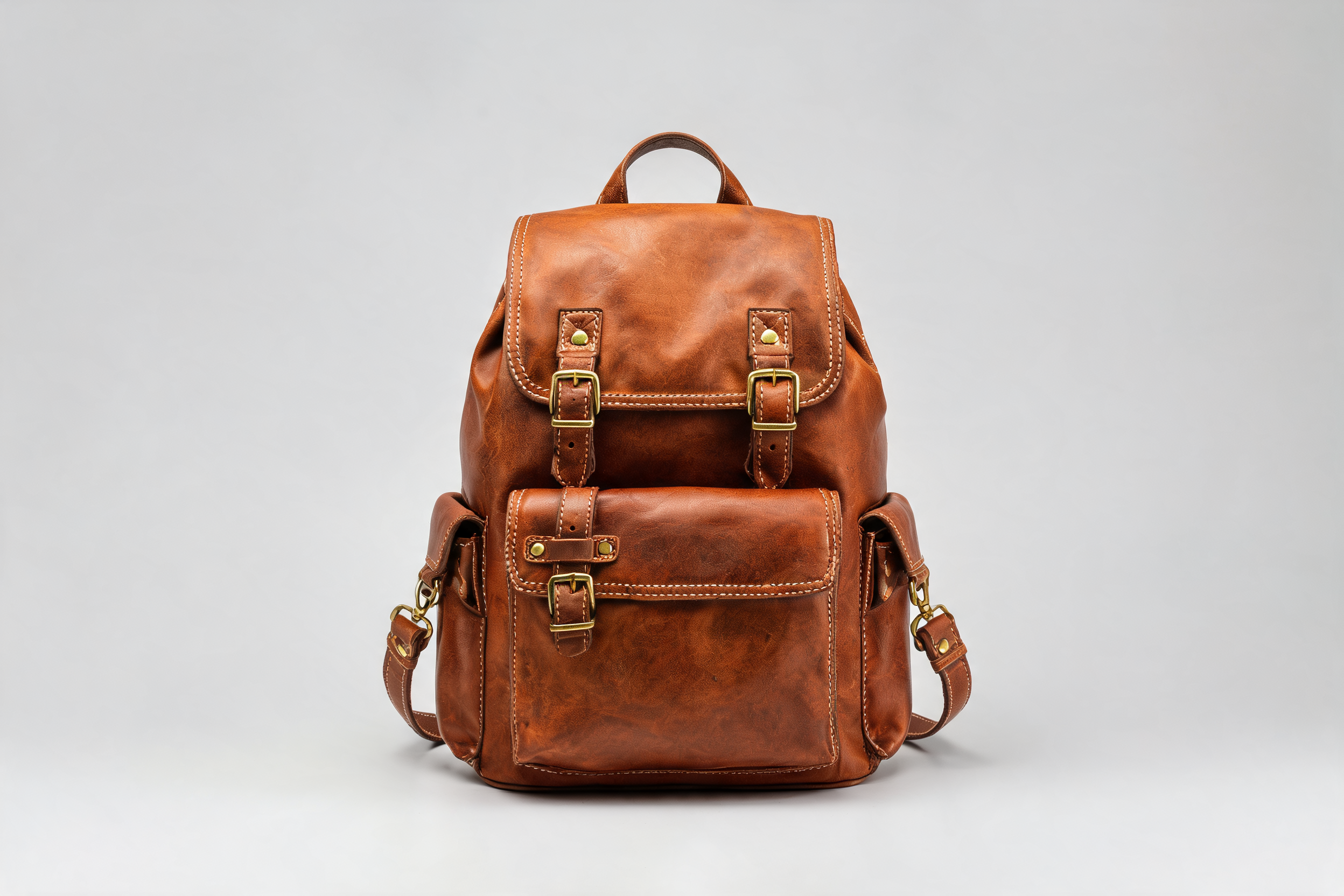

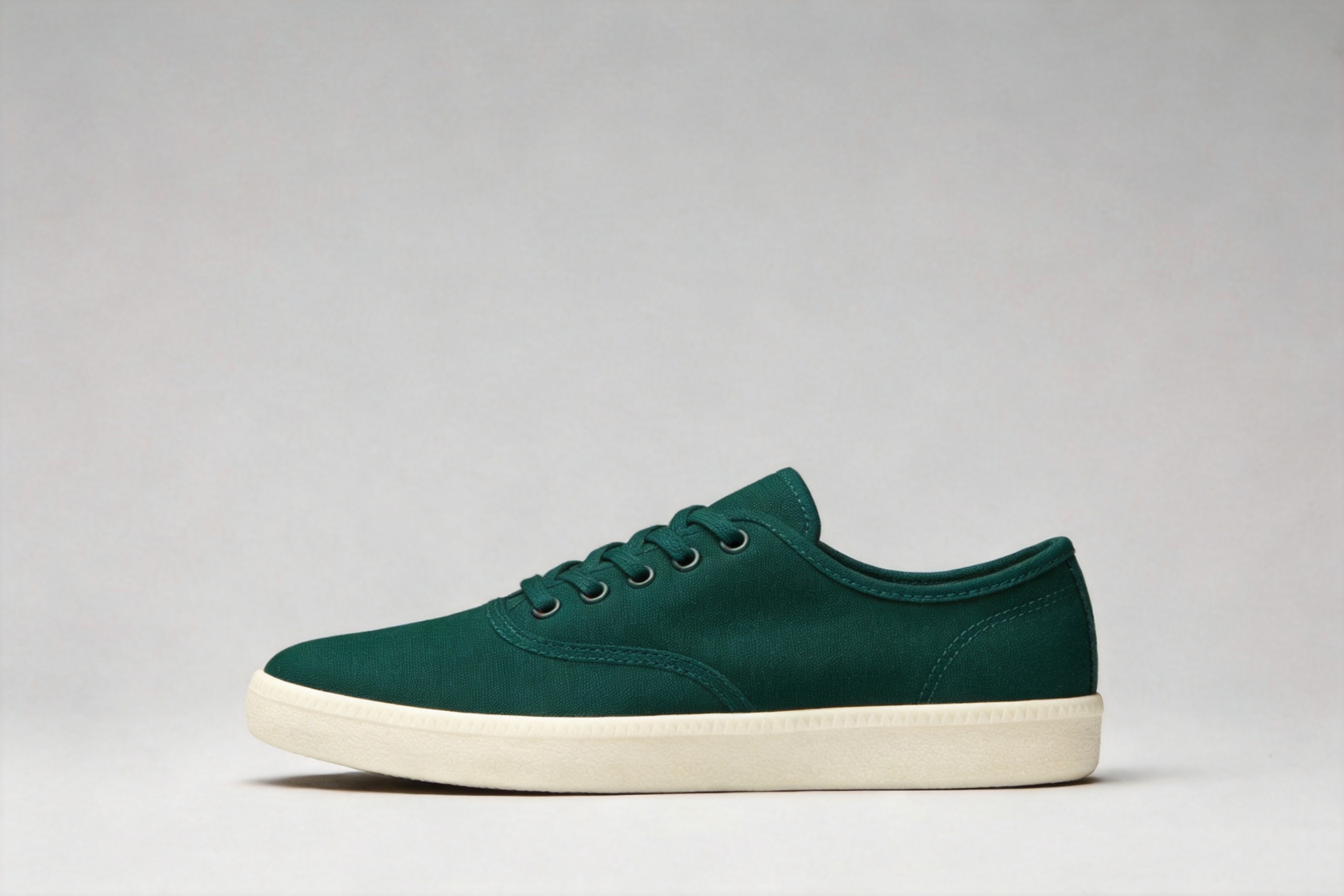
Product referenceProduct reference
Scene referenceScene reference
Place one product into a second scene · Composite resultResult

2 reference image(s) / 2496 × 1664

Place one product into a second scene

The backpack comes from the first reference while the granite rock, forest, mountains, and golden-hour light come from the second.

Prompt · English

Take the leather backpack from the first image and place it on the flat granite boulder in the campsite scene from the second image, leaning naturally at a slight angle, relit to match the warm golden-hour sunlight with a soft shadow falling across the rock, keep the stone fire ring, pine forest and mountain peaks unchanged, photorealistic composite

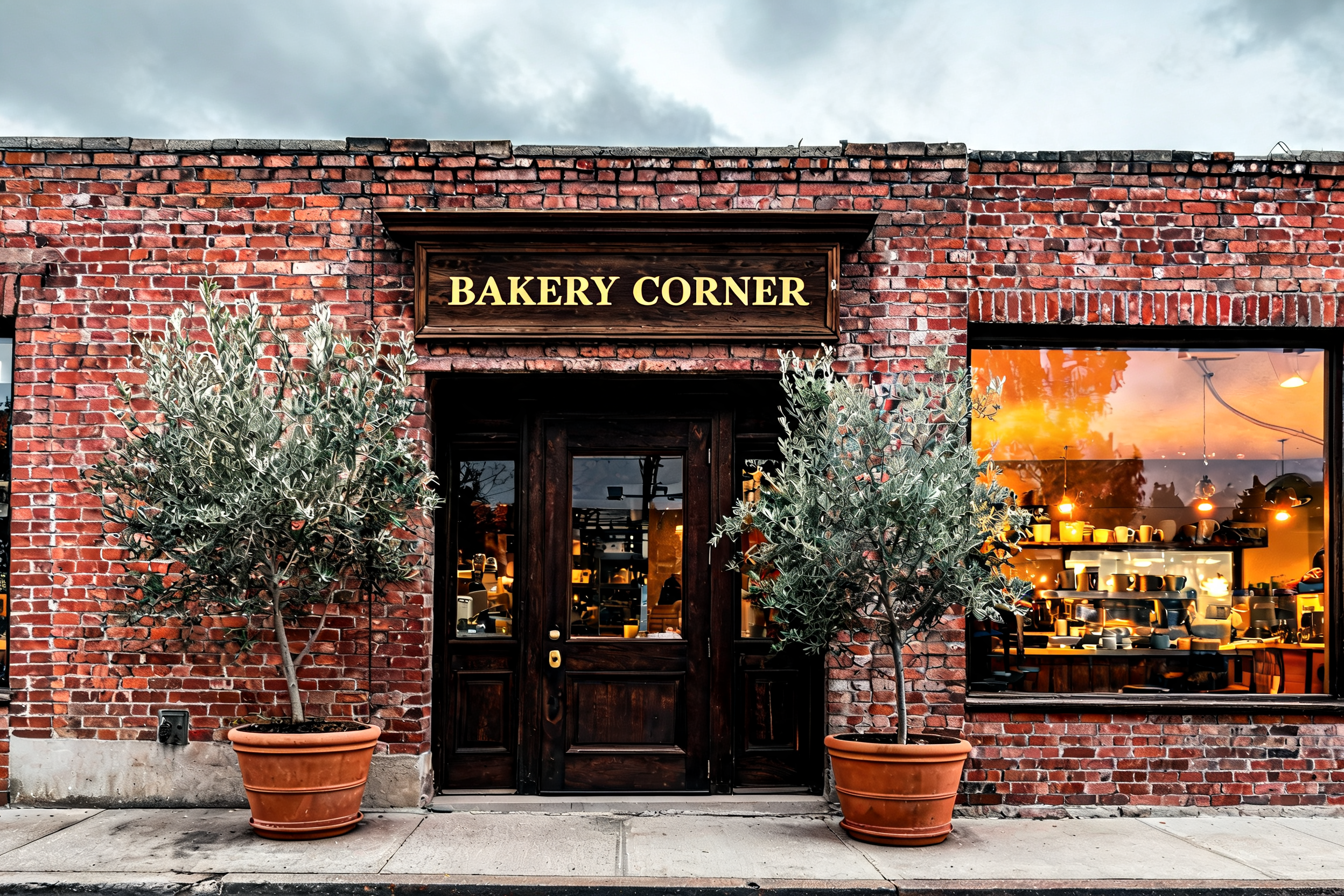
Rewrite a storefront sign in place · After
Rewrite a storefront sign in place · Before
BeforeAfter

1 reference image(s) / 2496 × 1664

Rewrite a storefront sign in place

Only the sign copy changes while its gold serif style, wood, brick, window light, plants, and weather remain.

Prompt · English

Replace the text on the wooden sign above the door so it reads 'BAKERY CORNER' in the same gold serif lettering style and size, keep the sign shape and wood texture, the brick facade, the glowing window, the olive trees and the overcast lighting exactly unchanged, photorealistic
Related image models

Choose an adjacent model by task, output tier, and reference-image needs.

Higher-fidelity editing

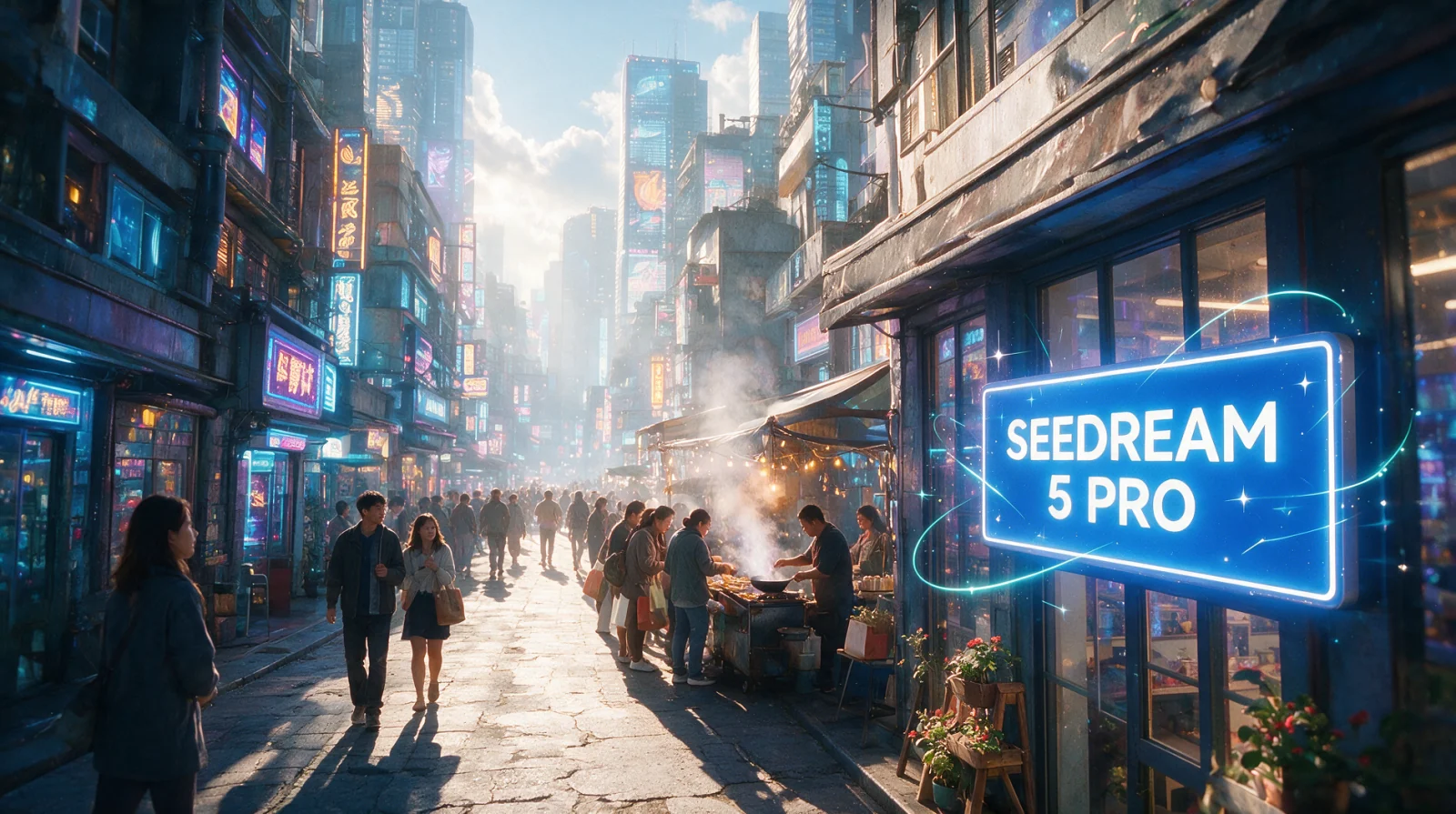
Seedream 5.0 Pro

Use the Pro route for final campaign assets and demanding preservation work.

2K or 4K multi-reference editing

Seedream 4.5

Compare up to 14 references with explicit 2K and 4K output tiers.

Single-reference commercial editing

FLUX.2 [klein] 9B

A fast single-reference route for text replacement, cleanup, and product restaging.

Compare AI image APIs

About Seedream 5.0 Lite Image to Image

Edit with Seedream 5.0 Lite Image to Image using up to 14 references, real recolor, text replacement, and composite examples, 2K or 4K output, and API code.

The Playground and API use the same model ID: seedream-5.0-lite/image-to-image. Reference images provide subject, product, scene, or style facts, while the prompt assigns each role and limits the edit.

Provider
ByteDance
Task
Image-to-Image / Editing
References
1-14
Pricing
70 Credits / image

Model specifications

These specifications reflect the current Seedream 5.0 Lite Image to Image request contract.

Reference images
1-14
Output resolution
2K4K
Aspect ratios
1:14:33:416:99:162:33:221:9
Prompt length
4-3000 characters
Pricing
2K / 4K: 70 Credits / image

Final cost depends on the output tier and input add-ons. Check the live page price and task record for the final charge.

How to use Seedream 5.0 Lite Image to Image

References provide visual facts; the prompt assigns their roles and limits the edit.

Subject
Scene

API Quickstart

Copy a minimal request below. See Docs for parameters, callbacks, task retrieval, and errors.

Endpoint
POST /v1/tasks
Model ID
seedream-5.0-lite/image-to-image
cURL
curl -X POST https://api.hiapi.ai/v1/tasks \
  -H "Authorization: Bearer YOUR_API_KEY" \
  -H "Content-Type: application/json" \
  -d '{
  "model": "seedream-5.0-lite/image-to-image",
  "input": {
    "prompt": "Change the product color and preserve its structure",
    "image_urls": [
      "https://example.com/reference.jpg"
    ],
    "aspect_ratio": "1:1",
    "resolution": "2K"
  }
}'

The create request immediately returns a taskId; image generation continues asynchronously.

Read the full API documentation

Frequently asked questions

How many references does Seedream 5.0 Lite Image to Image accept?

It accepts 1 to 14 JPEG, PNG, or WebP images under 10MB each. Use one for focused edits or multiple references for subject and scene composites.

Do more references cost more?

No. Pricing is fixed per output image, independent of reference count, 2K or 4K tier, and aspect ratio. See the live page price for the current amount.

How do I limit the edit to one area?

Describe both the target change and the composition, text, material, lighting, and positions that must remain unchanged.

Can it rewrite text inside an image?

Yes. State the old and new copy and ask it to preserve the original type style, size, position, and glow or print treatment.

How do I submit references through the API?

Pass 1 to 14 public image URLs in input.image_urls when posting to /v1/tasks, together with the prompt, ratio, and 2K or 4K resolution.

Style
Up to 14
01

Upload references

Choose 1 to 14 publicly accessible images without redundant or conflicting roles.

What to change
What to preserve
02

Define changes and constraints

Describe the requested edit and the subject, text, composition, lighting, and positions that must remain.

Playground
POST /v1/tasks
03

Validate before integration

Check the reference relationship in Playground, then create asynchronous tasks with the same model ID.