GPT Image 2 launched in late April 2026 with a confident pitch: near-perfect text rendering, 4K output, reasoning built in. Six weeks of running it through real production jobs — posters, product photography, infographics, portraits, complex multi-element scenes — gives us a clearer picture than the launch demos did.
The short version: the marquee claims hold up. The surprises are mostly on the cost-quality tradeoff and on the limits the launch didn't talk about. This isn't a model that beats every alternative on every job, but it has a clear shape — and once you see that shape, the workflow questions answer themselves.
The Setup
We tested GPT Image 2 across the same kinds of jobs we'd run any image model through: product photography (catalog and lifestyle), promotional posters with English and Chinese text, infographics, social media covers, UI mockups, editorial portraits, and detailed multi-element scenes. All generations were run on the hiapi platform at 1K and 2K resolutions, with no cherry-picking — each prompt got one generation, and that's the one we evaluated.
Several of the outputs you'll see below come straight from our working prompt templates, which makes the comparison reproducible if you want to verify any of it yourself.
What Holds Up
Text Rendering Is the Real Upgrade
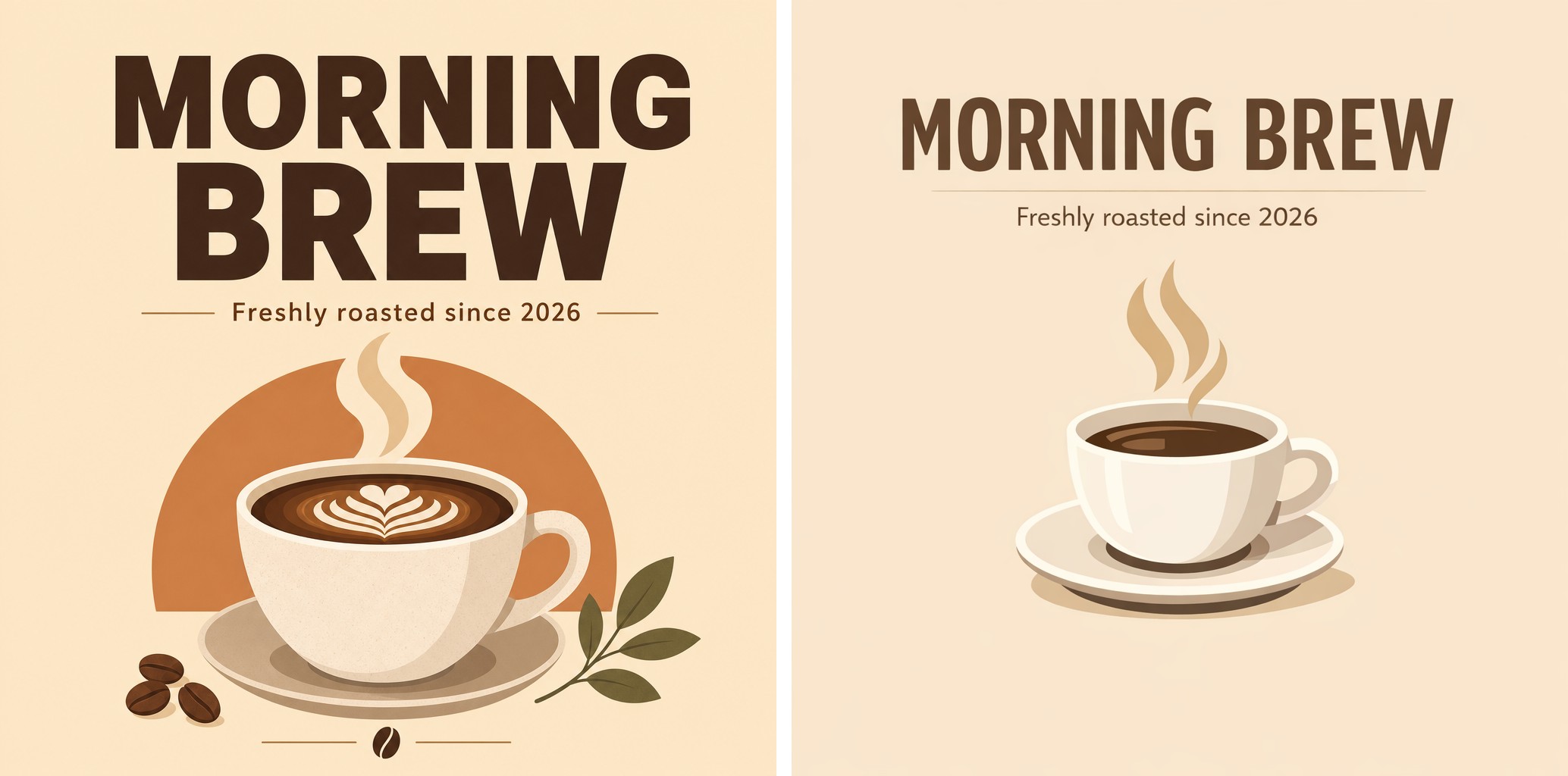
This is the headline feature and it earns the billing. English headlines, CJK calligraphy, in-image price tags, label text, infographic captions — GPT Image 2 renders them correctly on the first generation in almost every case.
In the comparison above (GPT Image 2 left, GPT Image 1.5 right), the difference on dense text-on-image work is visible without zooming in. Where the previous model would garble small captions or invent letterforms, GPT Image 2 holds spelling and kerning consistently.
The model also extrapolates appropriately: when we asked for a "premium poster" with a quoted headline, it added a small brand monogram and a "EST. 2024" line that we didn't ask for but that fit the artisanal context. That kind of contextual addition is rare in image models — most either render exactly what you ask for or hallucinate freely. GPT Image 2 lands in a useful middle.
For a deeper look at what text rendering specifically can and can't do, see our text rendering stress test.
Photorealism Is Production-Ready for Commercial Work
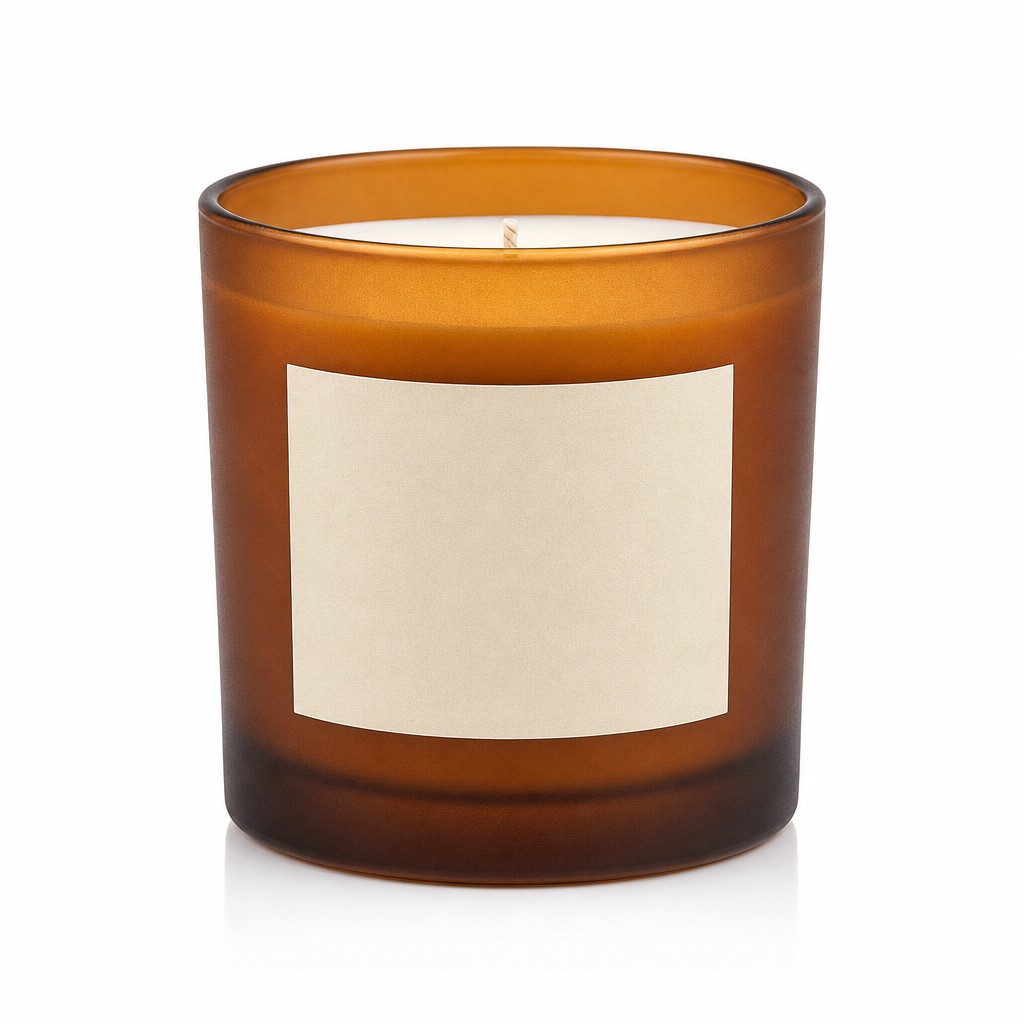
For product photography — frosted glass, ceramic surfaces, soft fabrics, metallic edges — the output reads as real product photography. Lighting setups specified in the prompt (three-point studio, side-light, soft directional window) get rendered with the right shadow and highlight behavior. Frosted glass and matte ceramics in particular come out with material-accurate texture, not the slightly plastic finish typical of older image models.

Lifestyle compositions — product as hero with supporting props — also hold up. The "hero object" stays sharp and centered, supporting elements (knit blanket, open book, plant) sit in the right plane and don't compete for attention. Window light renders with appropriate softness and warm color temperature.
Complex Scenes Stay Coherent
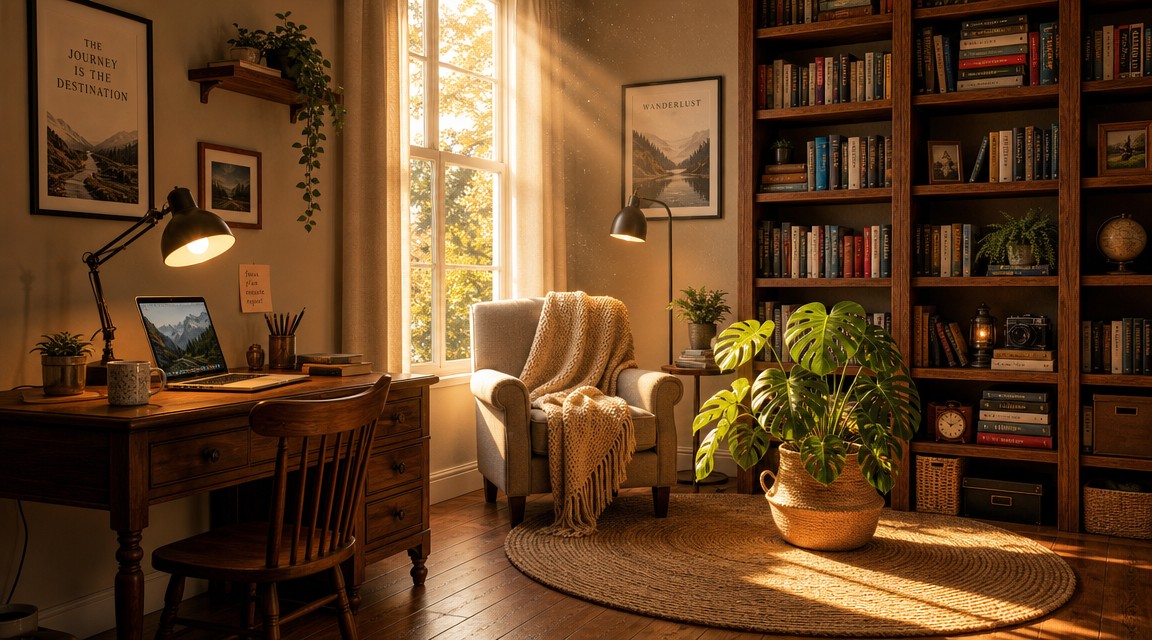
Where many image models start to lose track when prompts get long — anchoring multiple objects in specific spatial positions, maintaining material distinctions across a scene — GPT Image 2 stays organized. Spatial cues like "on the left, [X]; in the center, [Y]; on the right, [Z]" get honored. Late-afternoon golden light cast through a window produces the right shadow length and dust-mote behavior. The terracotta pot, monstera plant, woven rug, wooden bookshelf, knit throw, and warm desk lamp all sit where they were placed.
This matters for editorial illustration, interior visualization, and any job that requires a complete scene to be readable in one glance.
CJK and Mixed-Language Text
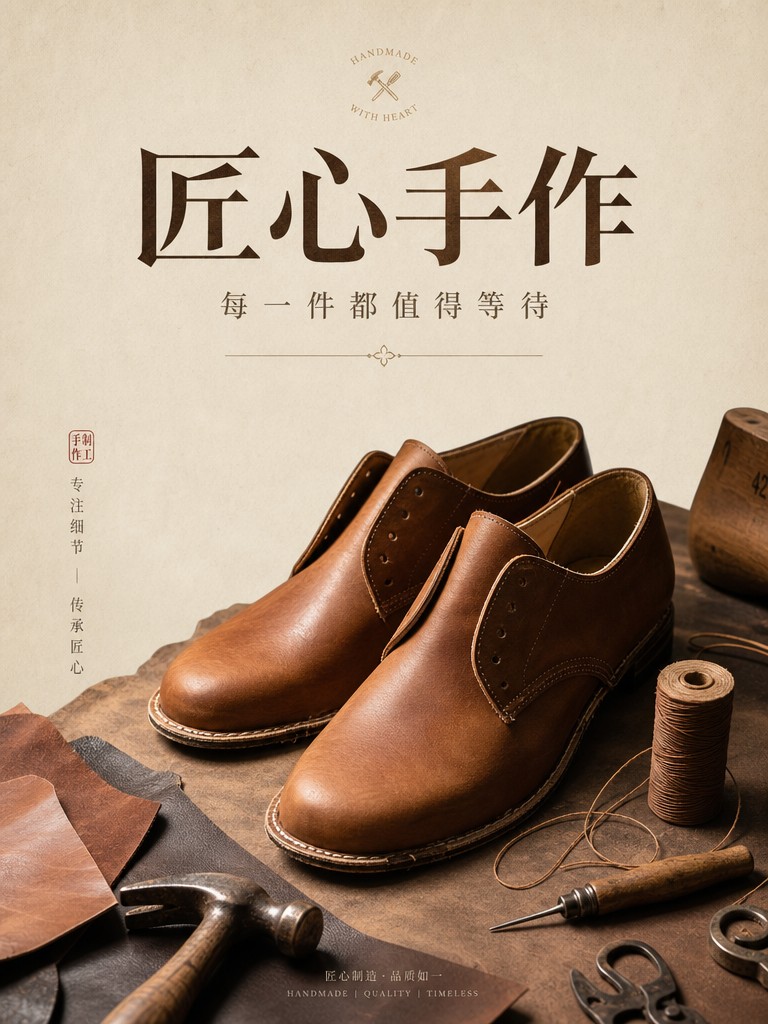
We've already seen English text render correctly. CJK calligraphy is harder, and most image models still fail it. GPT Image 2 doesn't — the brush strokes, character proportions, and seal-stamp placements all render appropriately for Chinese and Japanese contexts. In our comparison with Nano Banana 2, GPT Image 2 even added culturally appropriate phrases (一期一会, 和敬清寂) to a tea-ceremony poster without being asked.
What Doesn't Hold Up
It's Slower Than Its Predecessor
This was the biggest surprise. GPT Image 1.5 generated an image in 18–36 seconds. GPT Image 2 takes around 107 seconds on average at 1K resolution, with some generations pushing past 120 seconds on complex prompts. That's roughly 3–5× slower.
For interactive workflows — testing prompts in a Playground, iterating with a client over Zoom — the latency is felt. For batch workflows where you queue jobs and come back later, the throughput hit is acceptable. But this is a real regression, not a marketing footnote, and it should shape how you use the model.
At the time, the natural split was to iterate prompt variants on GPT Image 1.5 and switch to GPT Image 2 for the final generation. With 1.5 now retired from the platform, budget the ~107 seconds into your workflow — or run cheap draft passes on gpt-image-2-beta ($0.02 per image) before committing the final render to the flagship.
No Transparent Backgrounds
GPT Image 2 does not support transparent backgrounds. Requests that include background: "transparent" fail outright — there's no graceful fallback. If your workflow depends on PNG cutouts (logos for export, product mattes for compositing, social media stickers), you need either a second model or a background-removal post-process. This isn't optional behavior; it's a hard constraint on the current model.
It's a Photographer, Not an Artist
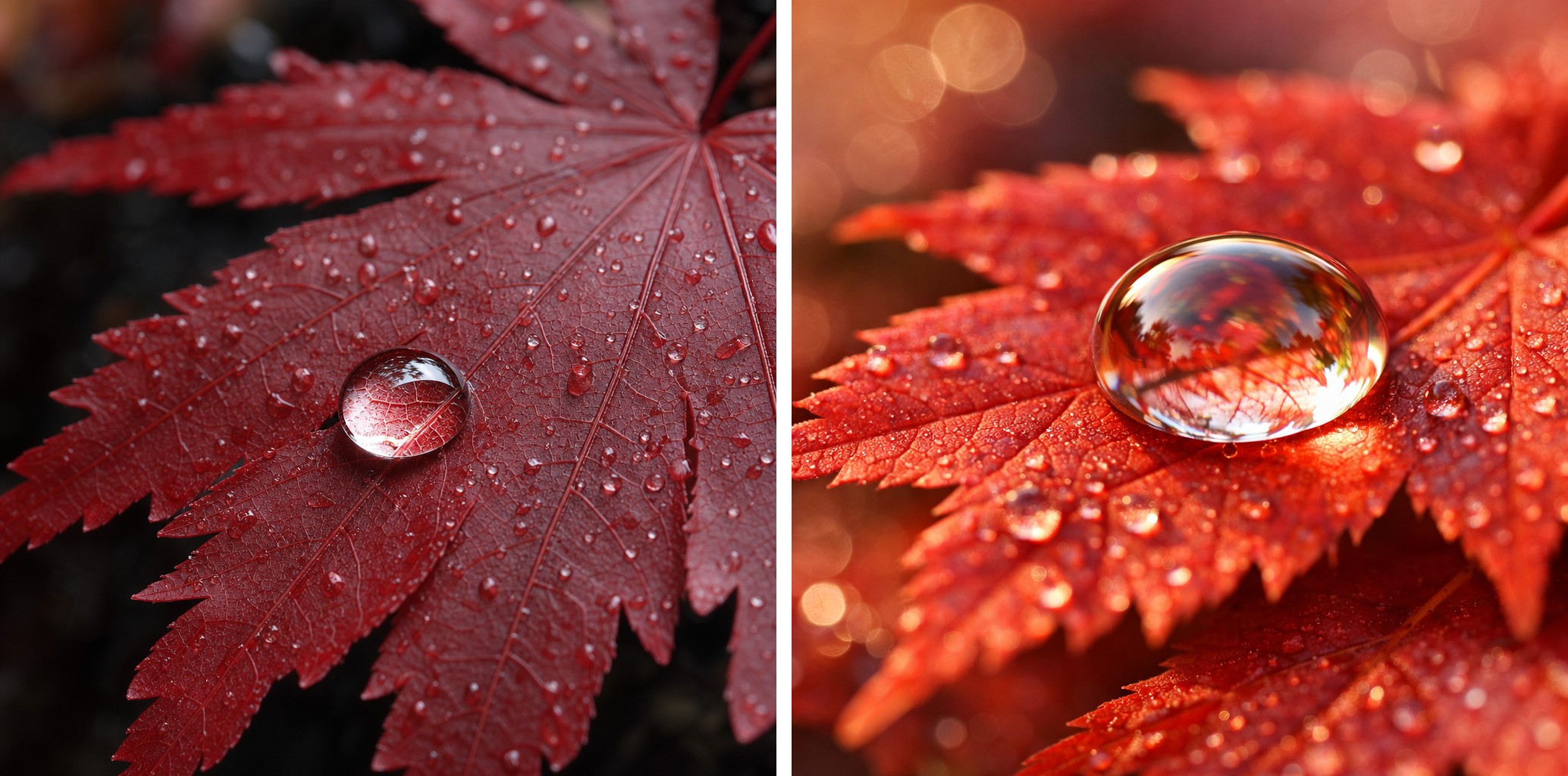
GPT Image 2's default aesthetic skews toward realism and editorial polish: clean composition, cinematic lighting, photographic depth of field. That's perfect for commercial work — product shots, marketing visuals, brand imagery. It's less ideal if you want loose, painterly, experimental, or abstract output.
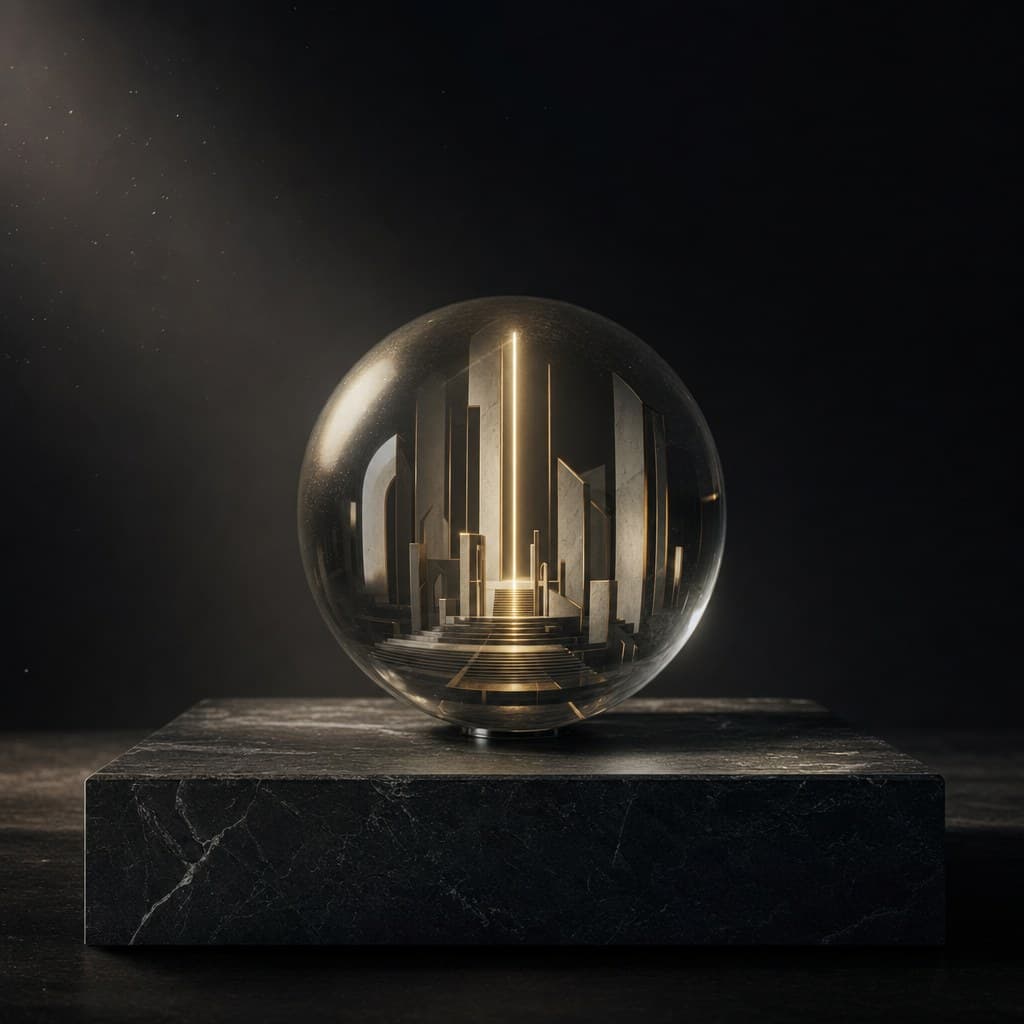
In the comparison above (GPT Image 2 left, GPT Image 1.5 right), the same prompt produces two different sensibilities. GPT Image 2 reaches for dramatic shadow and dark contrast. GPT Image 1.5 reaches for warm illustrative tones. Neither is "better" — they're aimed at different jobs.
If your work calls for painterly illustration, watercolor, or anything that benefits from imperfection, the older model — or a different image model entirely — may be a better fit than GPT Image 2.
Portraits Occasionally Read Slightly "AI-Generated"
For most subjects, GPT Image 2's photorealism is hard to distinguish from real photography. But on close-cropped human portraits, the model sometimes produces faces that are just too symmetric — eyes spaced exactly, skin texture slightly too even — to fully read as a real photograph. A real portrait camera captures asymmetry that an image model has to choose to introduce.
This isn't a failure mode unique to GPT Image 2 — every photorealistic image model has it to some degree — but it's worth knowing if you're producing portrait-led content. For natural-portrait realism, Nano Banana 2 tends to look slightly more like a real photograph at the cost of being almost 3× the price per image.
The Pricing Reality
GPT Image 2 is priced at $0.03 per image at 1K resolution on hiapi — 40% cheaper than GPT Image 1.5 ($0.05 before it was retired in June 2026). That's an unusual position for a flagship: most "next-generation" models charge a premium. GPT Image 2 charges less.
For 2K and 4K output, the multiplier kicks in (1.33× and 2× respectively, so $0.04 and $0.06 per image). For full pricing details including per-quality breakdowns and cost-cutting strategies, see the GPT Image 2 pricing breakdown.
At these prices, cost is rarely the binding constraint for a real workflow. Time is. A team running 500 images a day pays $15 — but spends about 15 hours of wall-clock time waiting for those generations if run serially. Batch and parallelize accordingly.
Who Should Use It
GPT Image 2 is the right choice for:
- Commercial work where text accuracy matters — posters, packaging, infographics, social media covers, in-image labels. The text rendering is the marquee feature and it's real.
- Product photography for e-commerce or marketing — see our end-to-end e-commerce workflow for a complete pipeline using GPT Image 2 for product hero shots.
- Long-form editorial composition — interiors, scenes with many spatial elements, anything that benefits from "designed-feeling" output.
- Multilingual contexts including CJK — calligraphy, mixed-language posters, internationalized marketing visuals.
- High-volume work where per-image cost matters — $0.03 at 1K is the lowest tier for a model at this quality level on hiapi.
Look elsewhere when:
- You need fast iteration cycles. 107 seconds per image is too slow for live prompting workflows. (GPT Image 1.5 used to be the faster fallback here; since its retirement, test the latency of the current lineup in the Playground before committing, and use the cheaper
gpt-image-2-betafor draft passes.) - You need transparent backgrounds. Not supported. Use a different model or post-process.
- You want painterly or experimental aesthetic. GPT Image 2's default style is realism-leaning; older models or different image models will give you more variance.
- You need portrait realism that fully reads as a real photograph. Slight AI symmetry occasionally surfaces. A specialist portrait model may serve better.
FAQ
Is GPT Image 2 better than GPT Image 1.5?
For text rendering, photorealism, and complex layouts — yes, clearly. For speed and for loose painterly aesthetic — no, the older model wins. Most real workflows benefit from keeping both available: GPT Image 1.5 for fast iteration, GPT Image 2 for finished output.
How slow is "slow"?
About 107 seconds average per image at 1K resolution. Complex prompts (lots of text, dense scenes, high resolution) can push past 120 seconds. Compare to ~20 seconds for GPT Image 1.5. The cost is lower but the wall-clock time is higher.
Does GPT Image 2 do transparent backgrounds?
No. Requests with transparent backgrounds fail. If you need PNG cutouts you'll need a separate background-removal step or a different model.
Is the text rendering really that much better?
For our jobs, yes. English headlines, Chinese calligraphy, infographic captions, in-image price tags — all render correctly the first time in the vast majority of cases. The marquee claim holds.
What about Nano Banana 2?
Comparable text accuracy on most jobs, slightly better commercial photorealism (especially portraits and product photography), but it costs ~2.8× more per image and often ignores aspect-ratio requests. Full side-by-side comparison: GPT Image 2 vs Nano Banana 2.
Where do I see real working prompts?
Twelve copy-paste templates with the actual images they produced: GPT Image 2 Prompts That Worked.
Bottom Line
GPT Image 2 is a commercial-design workhorse. Text rendering is the real upgrade, photorealism is production-ready for product photography and detailed scenes, and the $0.03 base price makes high-volume workflows economically straightforward.
The cost of those wins is generation time (~107 seconds per image, a real regression from GPT Image 1.5) and a hard limit on transparent backgrounds. Plan workflows around both.
For most working teams producing finished commercial imagery — posters, product shots, social media visuals, multilingual marketing — GPT Image 2 is the new default. With GPT Image 1.5 retired, use the $0.02 gpt-image-2-beta tier for cheap draft passes, keep a background remover in the toolkit for cutouts, and you've covered the gaps.
Start with the GPT Image 2 model page for the Playground, the prompt templates for working examples, and the pricing breakdown for cost planning.