A typical product launch on Shopify or Amazon needs six to eight images: a clean main shot for the listing thumbnail, a lifestyle shot for the hero section, a macro detail for the gallery, an ingredient or material story for the about section, a promotional banner for the email blast, and a launch poster for social. Traditional production — a photoshoot, a designer, a couple of rounds of revisions — runs days and hundreds of dollars per product.
With GPT Image 2, the same set runs about $0.18 in compute and ten minutes of wall-clock time. The catch is workflow design, not generation: the model is fast and accurate enough, but you have to think about consistency, text proofing, and image order before you write the first prompt.
What follows is a complete six-step pipeline we use in production. A small-batch artisanal scented candle is the example, but the structure transfers to apparel, consumer electronics, beauty, home goods — anything that needs a polished image set per SKU.
Step 1: Define the Product Once
Before you write a single prompt, write the product description as one stable paragraph. This is the anchor you'll reuse in every subsequent prompt — and it's what keeps the candle (or shoe, or skincare bottle) looking like the same candle across all six shots.
For our example:
A scented soy candle in a frosted amber glass jar with a smooth cream blank label, single centered wick, the candle either lit with a small warm flame or unlit depending on the shot.
That paragraph is the anchor. Every prompt below will reference "this candle" or use this exact phrasing. The model doesn't carry state across generations, so consistency comes from repeating the description, not from referencing a previous image.
Lock these attributes early: material, color, finish, label state, key features visible. Resist the urge to vary them between shots — that's how you end up with one candle that has a glossy label in the lifestyle shot and a matte one in the catalog shot.
Step 2: Generate the Catalog Hero
The catalog hero is the first image a customer sees in search results and on the listing page. It needs to be clean, centered, well-lit, with a seamless background.
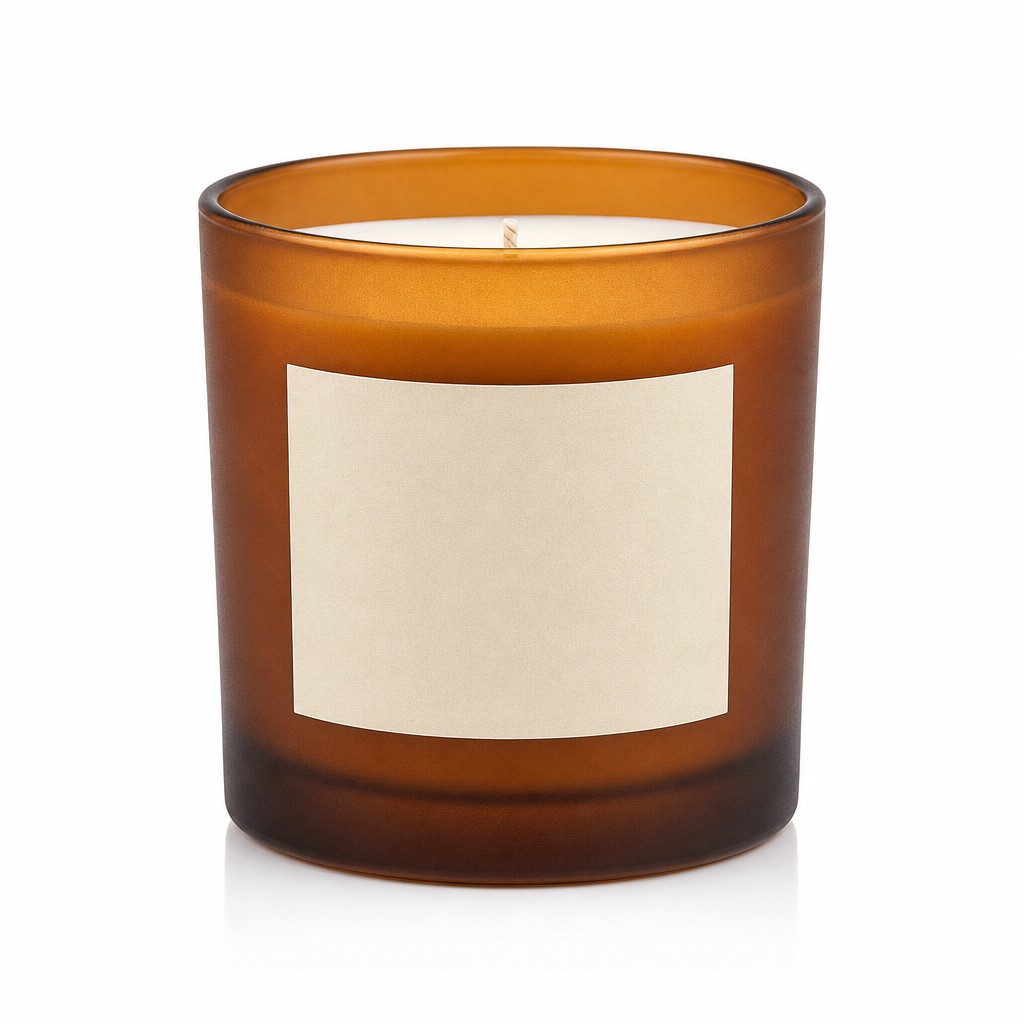
A professional e-commerce catalog main photo of [the product description]. The jar is perfectly upright, front-facing, centered, and fills about 70% of the square frame. Seamless pure white background, soft even studio lighting from above and front, gentle softbox highlights on the frosted glass, subtle natural shadow beneath the jar, very faint clean reflection on the surface. Razor-sharp focus, true-to-life color, visible frosted glass texture, smooth cream wax surface, premium minimal product photography, no props, no clutter, no hands, no packaging box, no extra candles, no text, no logo, no watermark. 1:1 square composition, high-end e-commerce product image.
What to watch for: This is where consistency starts. Lock the framing (centered, ~70% of frame), the background (seamless white), and the negative clauses ("no props, no clutter, no hands, no packaging, no extra candles, no text, no logo, no watermark"). The negative clauses are doing the work — they're what keep the model from drifting into a lifestyle composition.
For more prompt structure patterns including more catalog templates, see our GPT Image 2 prompt templates.
Step 3: Generate the Lifestyle Shot
The lifestyle shot lives on the hero section of the listing page. It needs to show the product in use — burning, on a side table, with context that signals the brand.

A cozy lifestyle product photograph featuring [the product description]. The candle is lit with a small warm flame and placed as the clear hero object on a light oak side table. Nearby are a folded neutral knit blanket, an open book, and a small eucalyptus sprig, arranged subtly so they support the product without distracting from it. Warm late-afternoon window light from the side, soft natural shadows, shallow depth of field, softly blurred comfortable living room background. The candle remains sharply focused, front label visible, amber glass texture visible, warm inviting color grade, calm relaxing mood, premium home-fragrance brand aesthetic, photorealistic. No readable text, no logo, no extra candles, no messy background, no people. 4:3 horizontal composition.
What to watch for: "The candle is the clear hero object" and "supporting elements... without distracting from it" are the composition rules that prevent the model from giving you a coffee-table-magazine still-life with the candle as an accessory. The supporting props (blanket, book, eucalyptus sprig) are intentional choices — they signal "home fragrance" without overpowering.
For Shopify product pages and Pinterest pins, this is the format you want. For Amazon's main image slot, stick with the catalog hero from Step 2.
Step 4: Generate the Macro Detail Shot
Macro shots live in the listing gallery — they let customers see the texture and craftsmanship that justifies the price point.
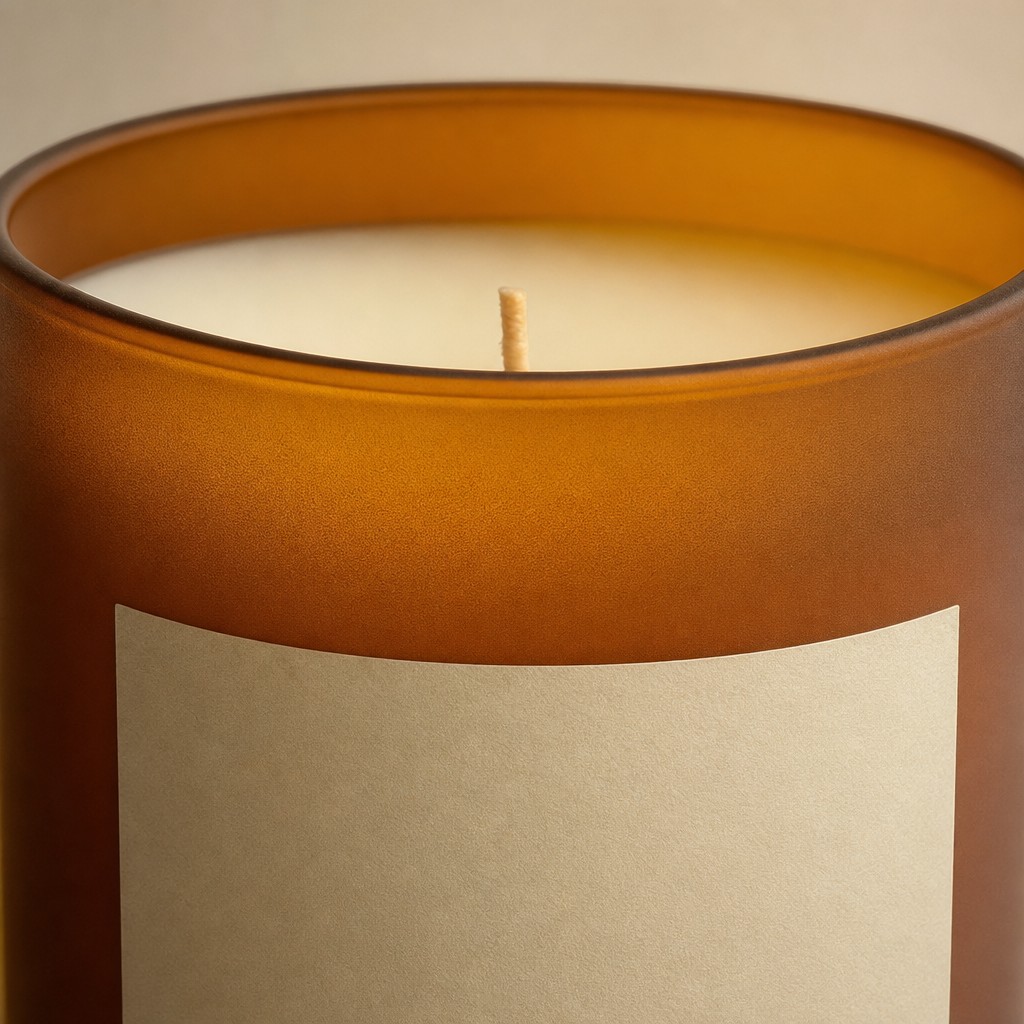
A premium macro product detail photo of [the product description]. Close-up crop showing the frosted glass texture, warm amber translucency, smooth cream wax surface, and centered wick. Soft studio lighting, shallow depth of field, elegant minimal composition, no text, no logo, no props, photorealistic, 1:1.
What to watch for: Macro prompts can and should be short. The model knows what "macro detail" looks like — your job is to specify what to focus on (texture, translucency, wick) and what not to include (props). Keep the prompt under 80 words.
Step 5: Generate the Ingredient Story
The ingredient or material story image lives in the "about this product" section. It's the visual answer to "why is this $25 instead of $8".
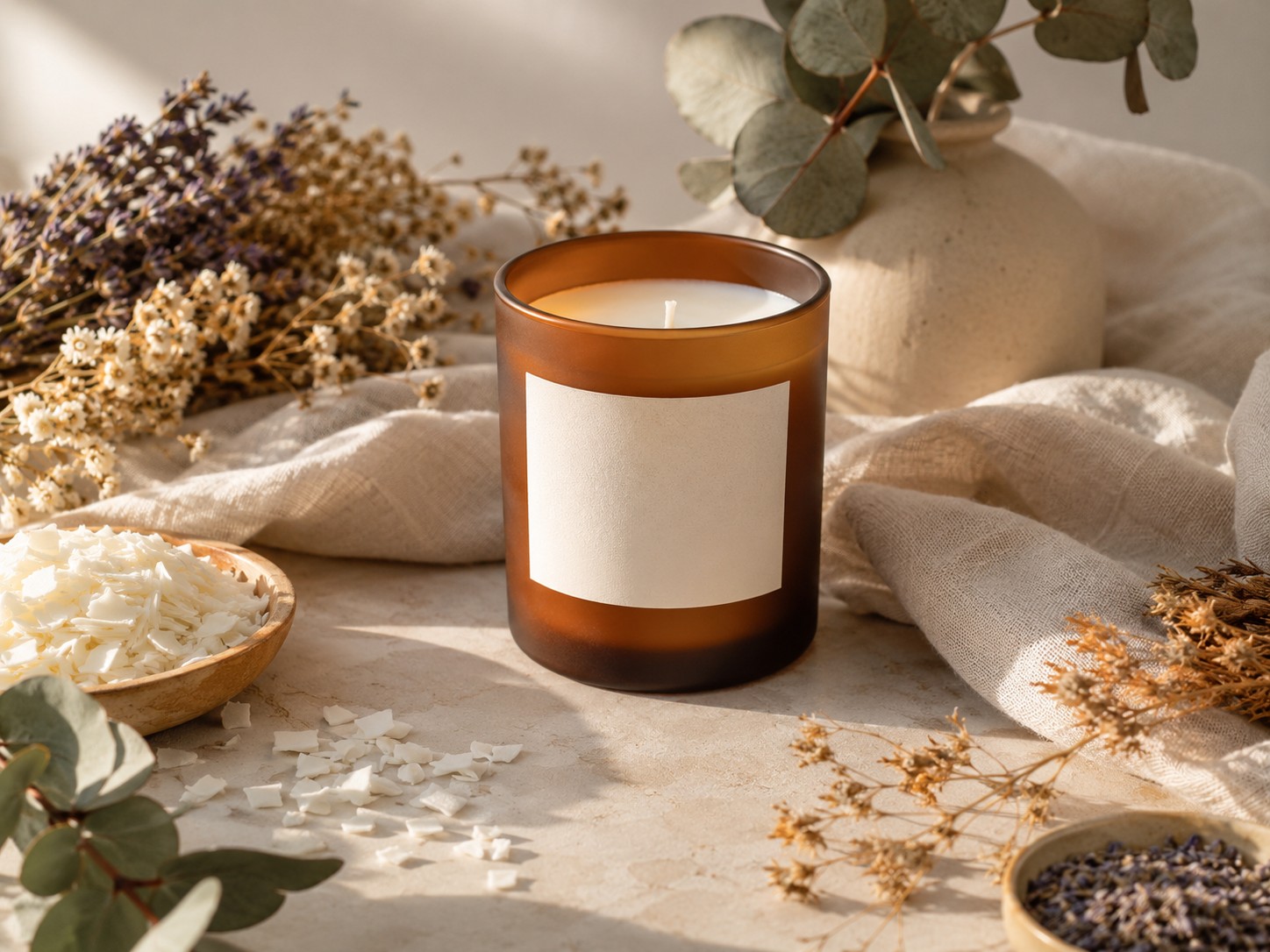
A refined natural ingredient lifestyle photo for [the product description]. The candle is placed on a warm neutral surface beside dried botanicals, soy wax flakes, eucalyptus leaves, and soft linen fabric. Calm premium composition, warm daylight, natural shadows, muted cream sage amber palette, photorealistic, no readable text, no logo, 4:3.
What to watch for: The ingredient props (soy wax flakes, eucalyptus leaves, linen fabric) tell the brand story silently. Choose props that signal your differentiator — natural ingredients, hand-poured craft, sustainable materials. For an electronics product the equivalent would be component close-ups; for skincare, the raw botanical ingredients.
Step 6: Generate the Promotional Banner
The promotional banner runs in the listing's detail section and in email blasts. It carries the selling points as readable copy.
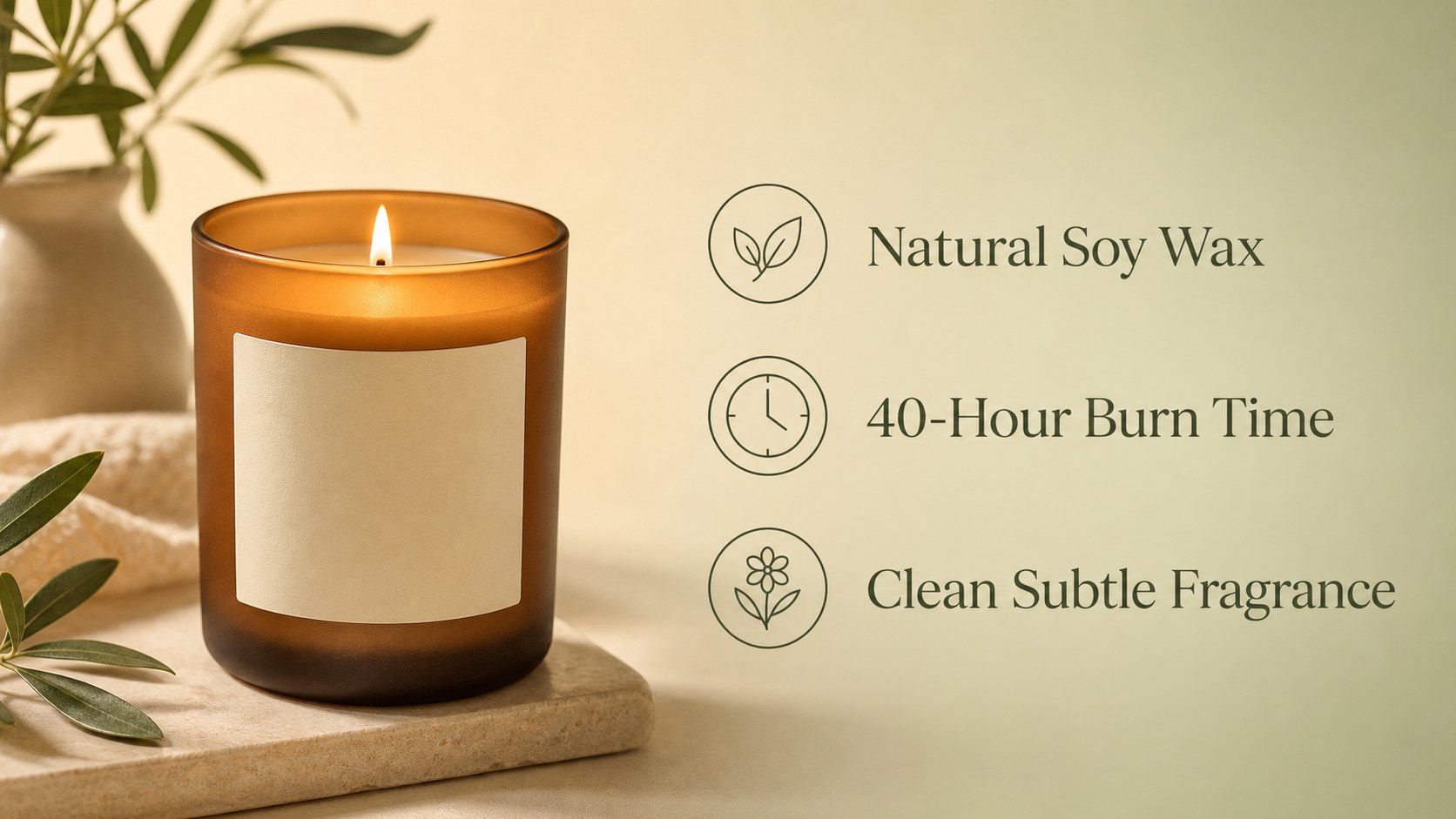
A wide e-commerce detail-page banner for [the product description], 16:9. On the left third, the lit candle with warm flame, soft realistic shadows, visible frosted glass texture. On the right two-thirds, three concise English selling points stacked vertically, each rendered in clear accurate type and paired with a small minimalist line icon: "Natural Soy Wax", "40-Hour Burn Time", "Clean Subtle Fragrance". Soft warm gradient background from cream to pale sage, clean modern layout with clear separation between product and text areas, gentle soft shadows, premium home-fragrance aesthetic, tidy elegant composition. 16:9 wide composition.
What to watch for: Every text string in the banner is in straight quotes. The model renders each one accurately — but always proof by eye. A small label of "40-Hour Burn Time" can come out as "40-Hour Bum Time" once in a hundred generations. Run the banner, look at it at 100% zoom, check every word. If anything's off, regenerate.
For more on GPT Image 2's text-rendering reliability and where it slips, see our text rendering stress test.
Step 7: Generate the Launch Poster
The launch poster goes to social channels and email campaigns. It carries the brand headline and price prominently.
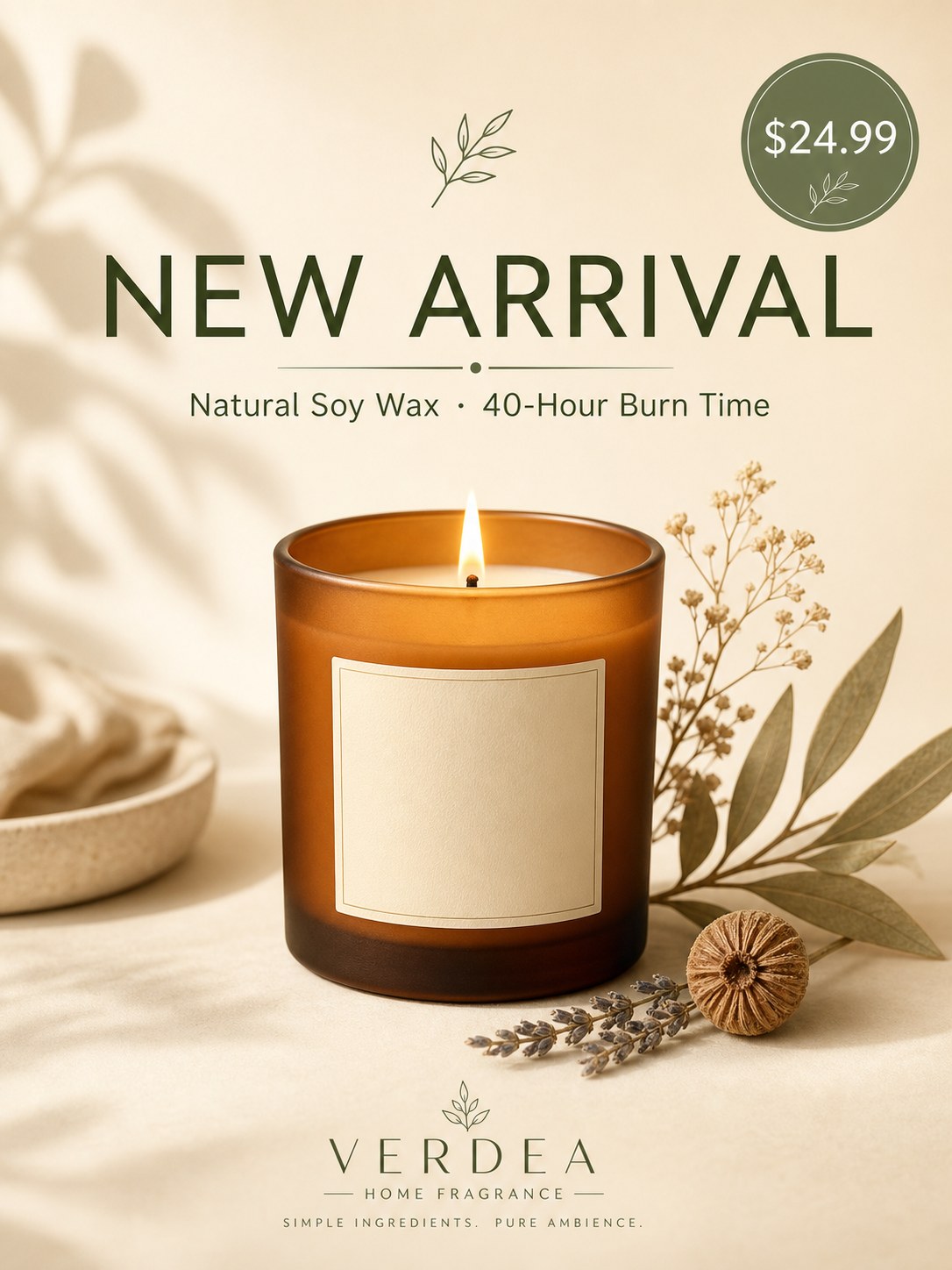
A clean modern promotional poster for a premium scented candle launch, 3:4 portrait. A bold English headline "NEW ARRIVAL" near the top in an elegant sans-serif typeface, rendered with accurate well-formed letterforms, and a smaller English subheadline "Natural Soy Wax · 40-Hour Burn Time" directly beneath it. Central visual: [the product description, lit, placed on a soft cream surface with a few dried botanicals arranged elegantly beside it, warm gentle lighting]. A small circular price badge showing "$24.99" in the upper-right corner. Refined warm palette of cream, sage green and amber, generous negative space, balanced elegant layout, soft shadows, premium home-fragrance brand aesthetic. 3:4 portrait composition.
What to watch for: This is the highest-stakes generation in the workflow — wrong text on a launch poster is a real product-page bug. The model will also occasionally add unsolicited brand details (it added a "VERDEA / HOME FRAGRANCE / SIMPLE INGREDIENTS. PURE AMBIENCE." block to the bottom of ours). Decide whether those additions help or hurt before shipping — usually they help.
If the price changes between regions or campaigns, regenerate only this image with the new price string. The other five shots are price-free and reusable.
What This Costs
At hiapi's GPT Image 2 base pricing of $0.03 per image at 1K resolution:
| Image | Resolution | Cost |
|---|---|---|
| Catalog hero | 1024×1024 (1K) | $0.03 |
| Lifestyle shot | 1536×1024 (1K landscape) | $0.03 |
| Macro detail | 1024×1024 (1K) | $0.03 |
| Ingredient story | 1536×1024 (1K landscape) | $0.03 |
| Selling-points banner | 1536×1024 (1K landscape) | $0.03 |
| Launch poster | 1024×1536 (1K portrait) | $0.03 |
| Total per listing | $0.18 |
For a product with 50 listings, that's $9 in compute. For a catalog refresh covering 500 SKUs, $90. Compared to traditional product-photography quotes (often $30–$100 per shot), the cost shift is significant.
Wall-clock time is the real budget item. Each generation takes ~90 seconds; running them serially is ~10 minutes per listing. Run them in parallel through the API and total time drops to ~2 minutes per listing.
The Text-Proofing Rule
GPT Image 2's text rendering is right roughly 99% of the time. That 1% is what ships if you skip the proofing step. Always look at rendered text at 100% zoom before publishing. Common slips to catch:
- Single character substitutions: "Bum" instead of "Burn", "Hours" with a missing R
- Inconsistent spacing on multi-line headlines
- Em-dash vs en-dash confusion
- Numbers shifted by one digit ("$24.99" rendered as "$29.99")
If you find an error, regenerate the same prompt — that's almost always cheaper than trying to edit the existing image. With the same prompt and the same anchor description, the regenerated image will be ~95% visually identical, just with the text fixed.
Adapting This to Your Product
The six-step structure transfers across product categories. Replace the candle anchor with your own:
- Apparel: substitute the candle for "a heather-grey crewneck sweatshirt with a single small embroidered logo on the chest" — the steps don't change.
- Skincare: substitute for "a 50ml glass dropper bottle with a frosted finish and a minimal cream label" — adjust the ingredient story to highlight botanicals or active ingredients.
- Consumer electronics: substitute for "a black aluminum-bodied wireless earbud case with a matte finish and a single LED indicator" — the macro shot becomes more important; the ingredient story becomes a component diagram.
The structural rules (anchor description, consistency across shots, negative clauses, text proofing) carry over regardless.
FAQ
Will the same model render multiple shots that look like the same product?
If you reuse the product description verbatim across each prompt, yes — material, color, finish, and label state stay consistent. If you vary the description between prompts ("a frosted jar" in one, "an amber glass" in another), the model treats them as different products and you'll get inconsistency.
How many regenerations should I budget for?
For a six-image set, plan on 7–9 actual generations on average — one or two will need a regenerate, usually the text-heavy banner or poster. At $0.03 each, the buffer is ~$0.06.
What about the model's tendency to add unsolicited text or brand details?
GPT Image 2 sometimes adds context-appropriate elements you didn't ask for — a small brand monogram, a "EST. 2024" badge, supporting decorative text. These are usually helpful for the launch poster (more polish) but unwanted on the clean catalog hero (where you specified "no text, no logo"). Use explicit negative clauses where you don't want them, and let them happen where they help.
Can I run this workflow at scale across hundreds of SKUs?
Yes. The bottleneck is wall-clock time (~10 minutes per listing serially, ~2 minutes parallel). For 500 SKUs running parallel batches of 6, you're looking at a few hours of generation time and ~$90 in compute. The setup work — building the anchor description per SKU — is what scales the human time.
Where do I see more example prompts?
Twelve copy-paste working templates with their actual outputs: GPT Image 2 Prompts That Worked. For a comparison with other models including Nano Banana 2, see GPT Image 2 vs Nano Banana 2.
Bottom Line
A complete e-commerce image set — catalog hero, lifestyle, macro, ingredient, banner, launch poster — generated with GPT Image 2 costs about $0.18 per product and takes ten minutes. The work isn't in the generation, it's in the workflow: write a stable product description, reuse it across every prompt, proof the text by eye before shipping.
Start with the GPT Image 2 model page to test a single product, then scale to your catalog once you have the anchor description dialed in.









