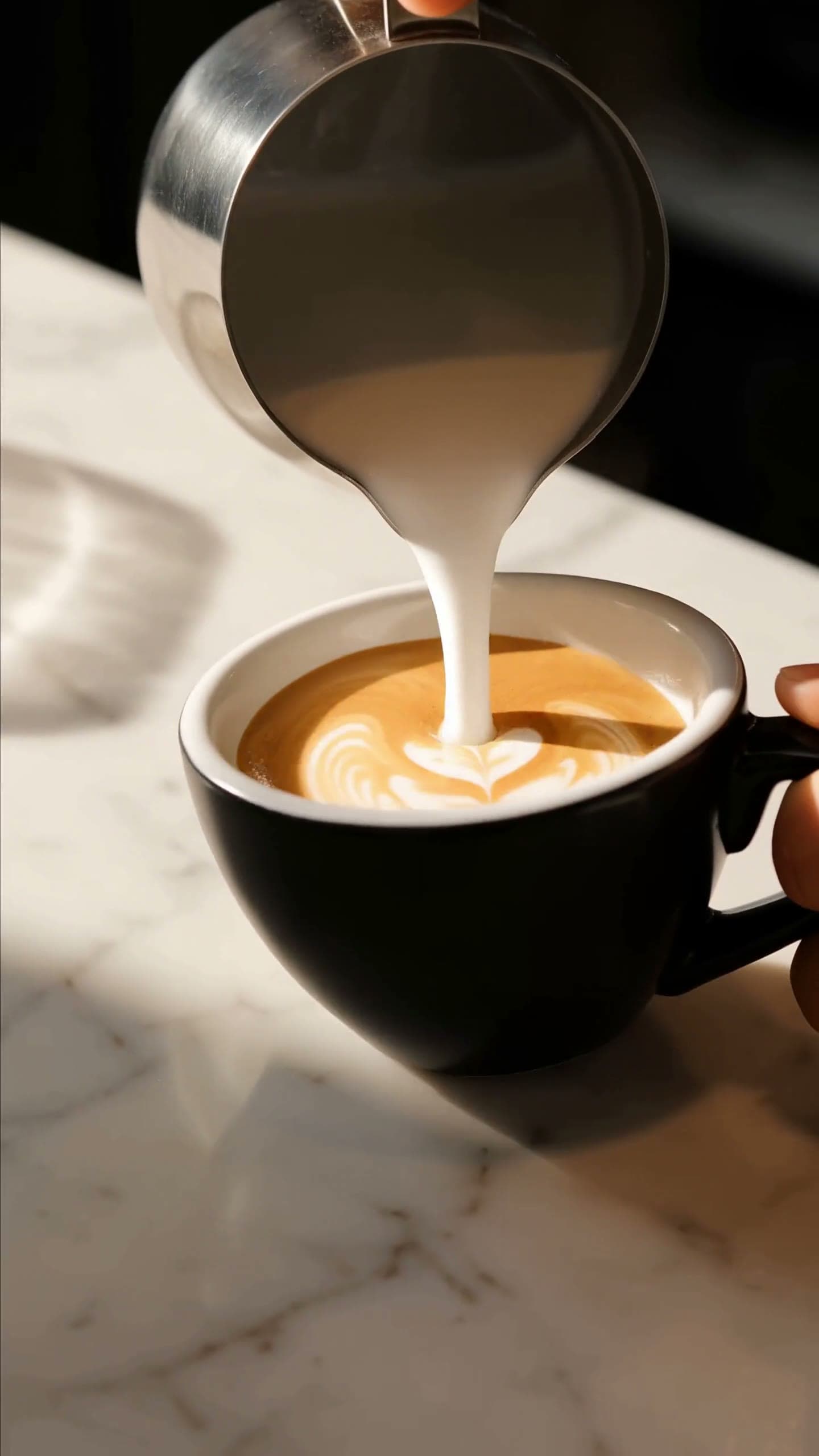
Most "prompt guide" posts for a new image model show you a subject line and call it a prompt. That's not enough to reproduce anything. Below are five complete, copy-paste prompts we wrote and ran ourselves against grok-imagine-image-2.0/text-to-image — an app icon, a product photo, a wide banner, a phone wallpaper, and a landscape — each shown next to the exact raw output the API returned on the first take. No cherry-picked regenerations, no upscaling, no retouching.
grok-imagine-image-2.0 is a text-to-image only model (there's a separate image-to-image endpoint for edits) with a deliberately small schema — four fields, no seed, no strength, no style presets. That constraint is actually the point of this guide: once you know how to write for it, the prompt does all the work.
1. App icon: a mascot with personality
Icons live at small sizes, so composition has to be dead simple — one clear subject, generous padding, no background clutter. We asked for a 1:1 frame at the lowest resolution/quality tier, since icon work rarely needs more detail than that.
The prompt:
A friendly white robot mascot for a creative app icon, rounded chunky body with a single antenna topped by a small mint-green sphere, big dark rounded-square face with two glowing cyan oval eyes and a simple curved smile, holding an artist's paintbrush loaded with a warm orange-to-pink gradient of paint in its right hand, a small circular badge on its chest showing a painter's palette icon in a pastel gradient, standing centered against a soft pastel gradient background inside a rounded square (lavender to peach to mint), flat vector-illustration style with clean outlines and soft ambient shading, no text, app-icon composition with even padding on all sides
The raw output:
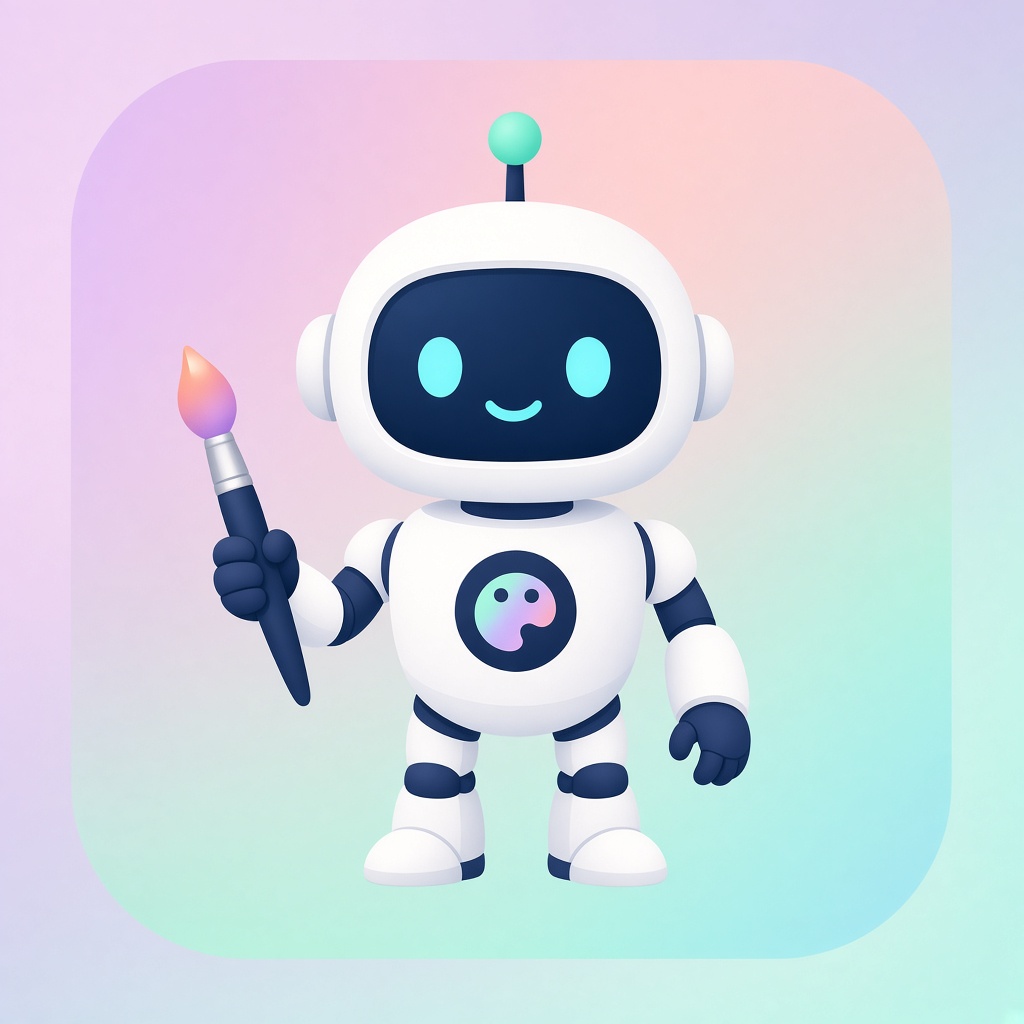
grok-imagine-image-2.0/text-to-image · resolution: 1k · quality: low · aspect_ratio: 1:1 · finished in ~15s
2. Product photography: a mug that sells itself
For commercial shots, describe light direction and depth of field like a photographer would, and explicitly ask for negative space if the image needs to host text later.
The prompt:
Product photography of a matte black ceramic coffee mug filled with steaming black coffee, thin wisps of steam curling upward, mug placed on a warm honey-toned wooden table near a bright window with sheer curtains, soft natural window light from the left creating gentle highlights on the mug's curved surface, shallow depth of field with the background softly blurred, plenty of empty negative space to the right of the mug for text overlay, warm cozy morning color grade, realistic commercial photography style, 3:2 aspect ratio
The raw output:
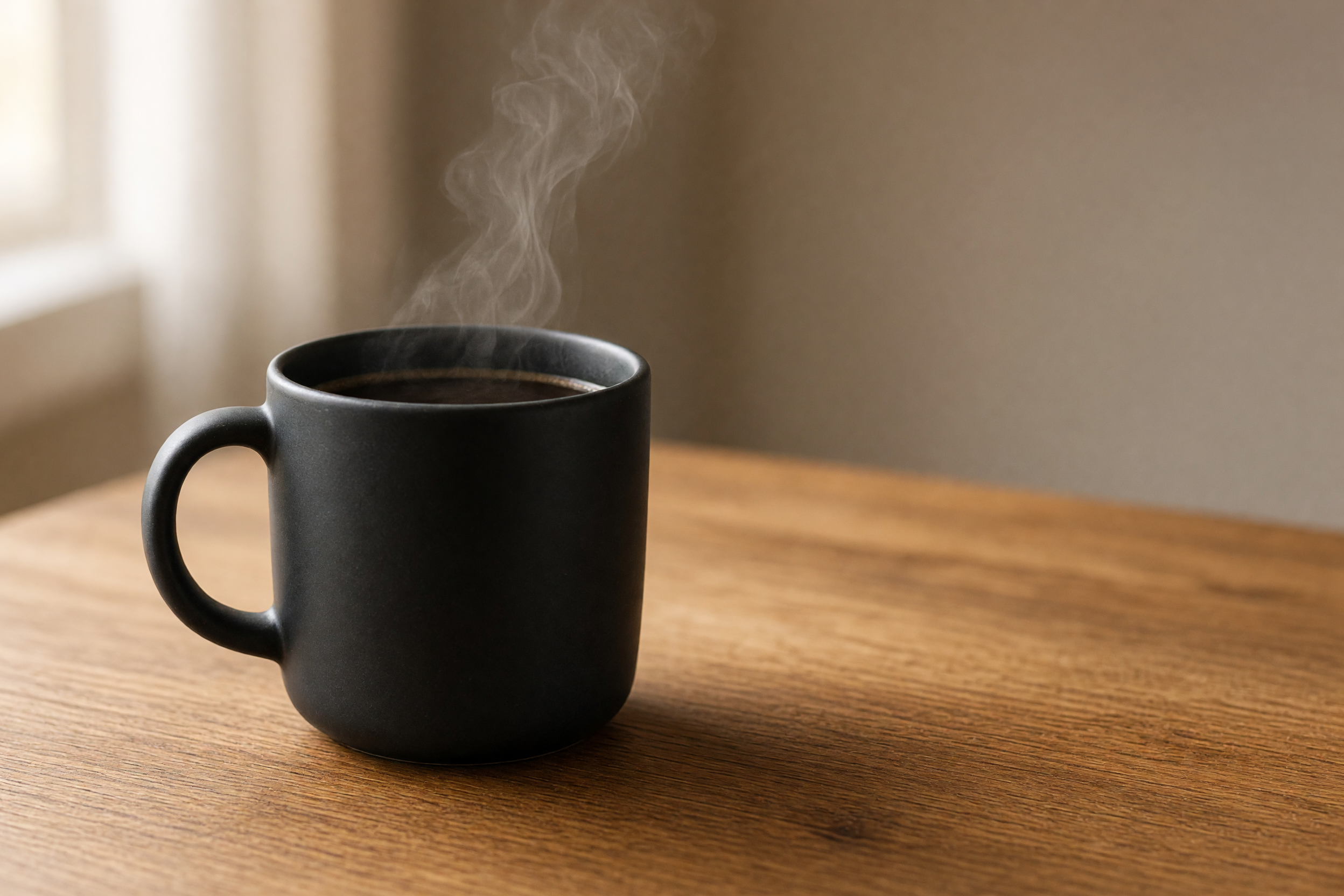
grok-imagine-image-2.0/text-to-image · resolution: 2k · quality: medium · aspect_ratio: 3:2 · finished in ~73s
3. Wide banner: a birch forest sunrise
20:9 is one of the widest ratios the model supports, which makes it a good match for hero banners. The trick with ultra-wide frames is to give the model a clear leading line (here, a path curving into the distance) so the composition doesn't just feel like a cropped square.
The prompt:
Ultra-wide panoramic landscape of a birch forest at sunrise in autumn, tall white-barked birch trees with golden-yellow leaves lining a winding dirt path that curves toward the horizon, low morning mist drifting between the trunks, the sun just cresting distant hazy hills and casting a warm golden glow through the canopy, soft pastel sky with thin clouds catching the light, rich autumn color palette of gold, amber and soft blue, cinematic wide-format nature photography, extremely wide 20:9 aspect ratio suitable for a website banner
The raw output:
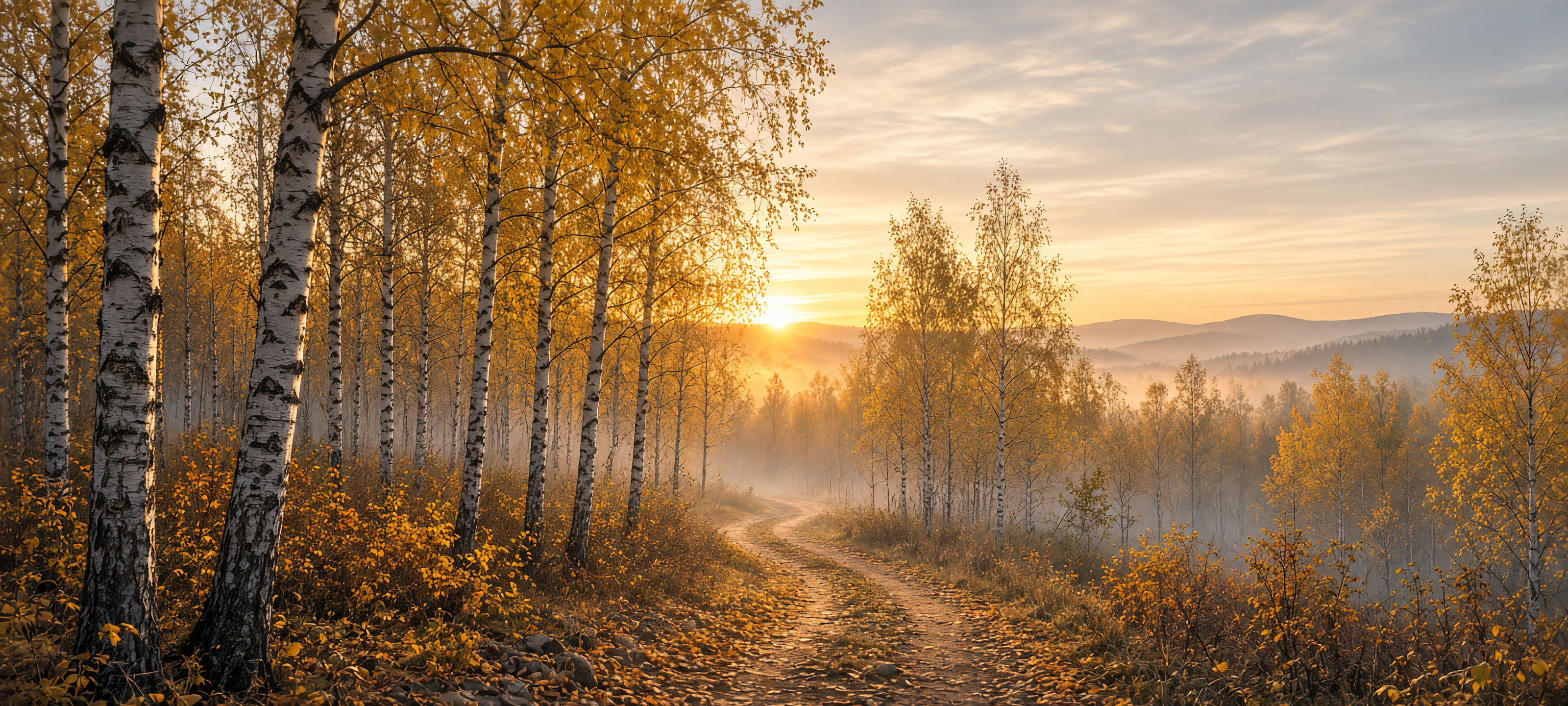
grok-imagine-image-2.0/text-to-image · resolution: 2k · quality: medium · aspect_ratio: 20:9 · finished in ~76s
4. Phone wallpaper: a neon alley at night
Vertical 9:16 frames need a foreground anchor near the top or bottom third, since most of the frame reads as background. We put the lit lantern in the near foreground and let the neon reflections carry the rest of the depth.
The prompt:
Vertical phone wallpaper photo of a glowing red paper lantern hanging from a wooden eave in a narrow rain-soaked alley at night, the lantern lit warmly from within in the left foreground, the alley stretching away into the distance lined with blurred neon signs in pink and cyan, wet cobblestones reflecting the neon colors in long vertical streaks, moody cinematic night photography, shallow depth of field with the lantern sharp and the background softly bokeh'd, cyberpunk-tinged atmosphere, tall 9:16 aspect ratio framed for a phone lock screen
The raw output:
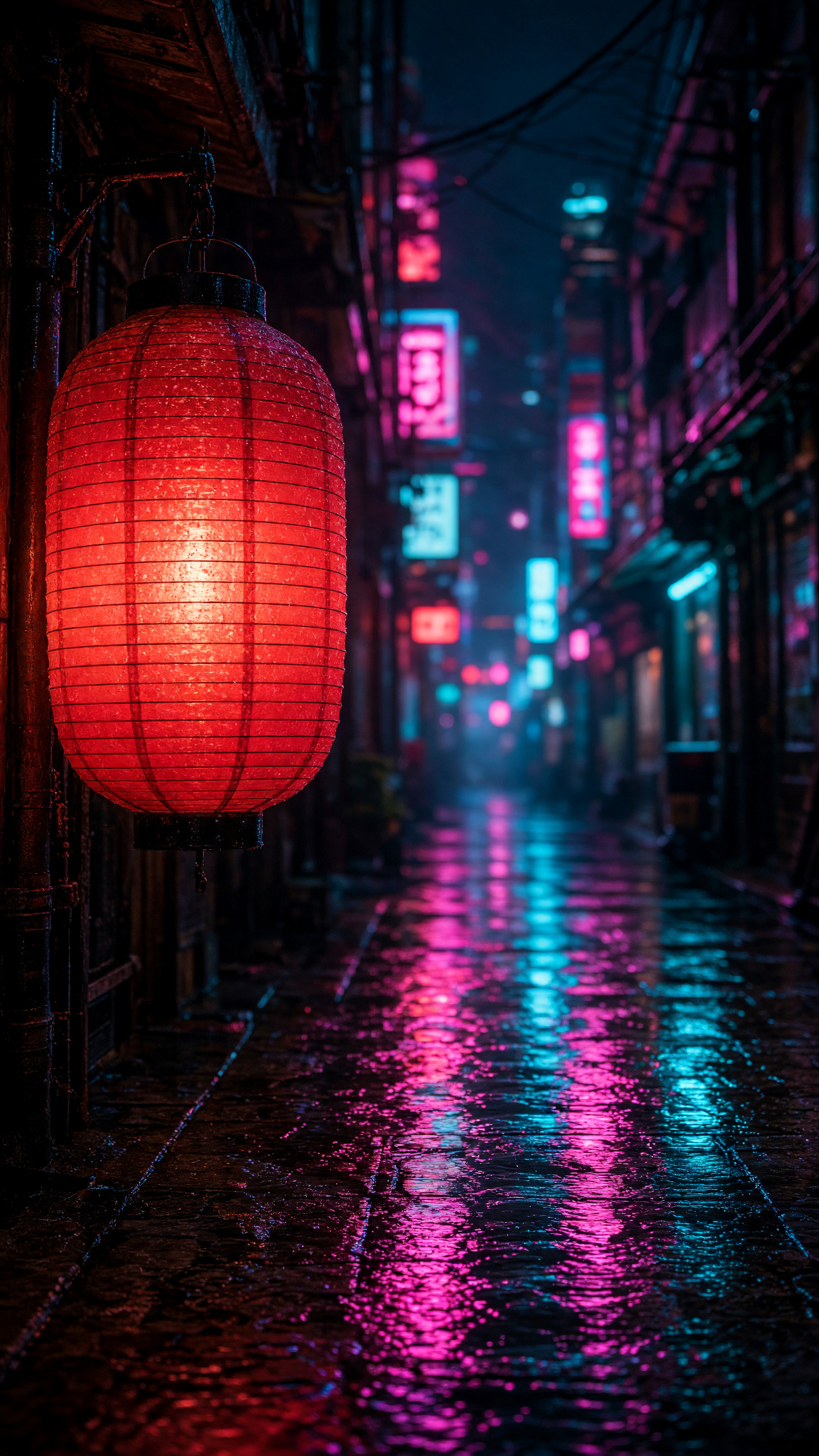
grok-imagine-image-2.0/text-to-image · resolution: 2k · quality: medium · aspect_ratio: 9:16 · finished in ~71s
5. Landscape: a mountain lake at sunset
Symmetry is a strong composition cue for this model — asking for a reflection to "mirror" the subject gives noticeably cleaner results than just saying "lake" and hoping.
The prompt:
Wide landscape photo of an old wooden pier extending into a calm turquoise alpine lake at sunset, snow-capped jagged mountain peaks rising directly behind the lake and mirrored perfectly in the still water, dramatic sky full of orange and pink clouds lit by the setting sun low on the horizon, scattered rocks along the near shoreline, crisp golden-hour light, epic nature photography with strong bilateral symmetry between sky/mountains and their reflection, 16:9 aspect ratio
The raw output:
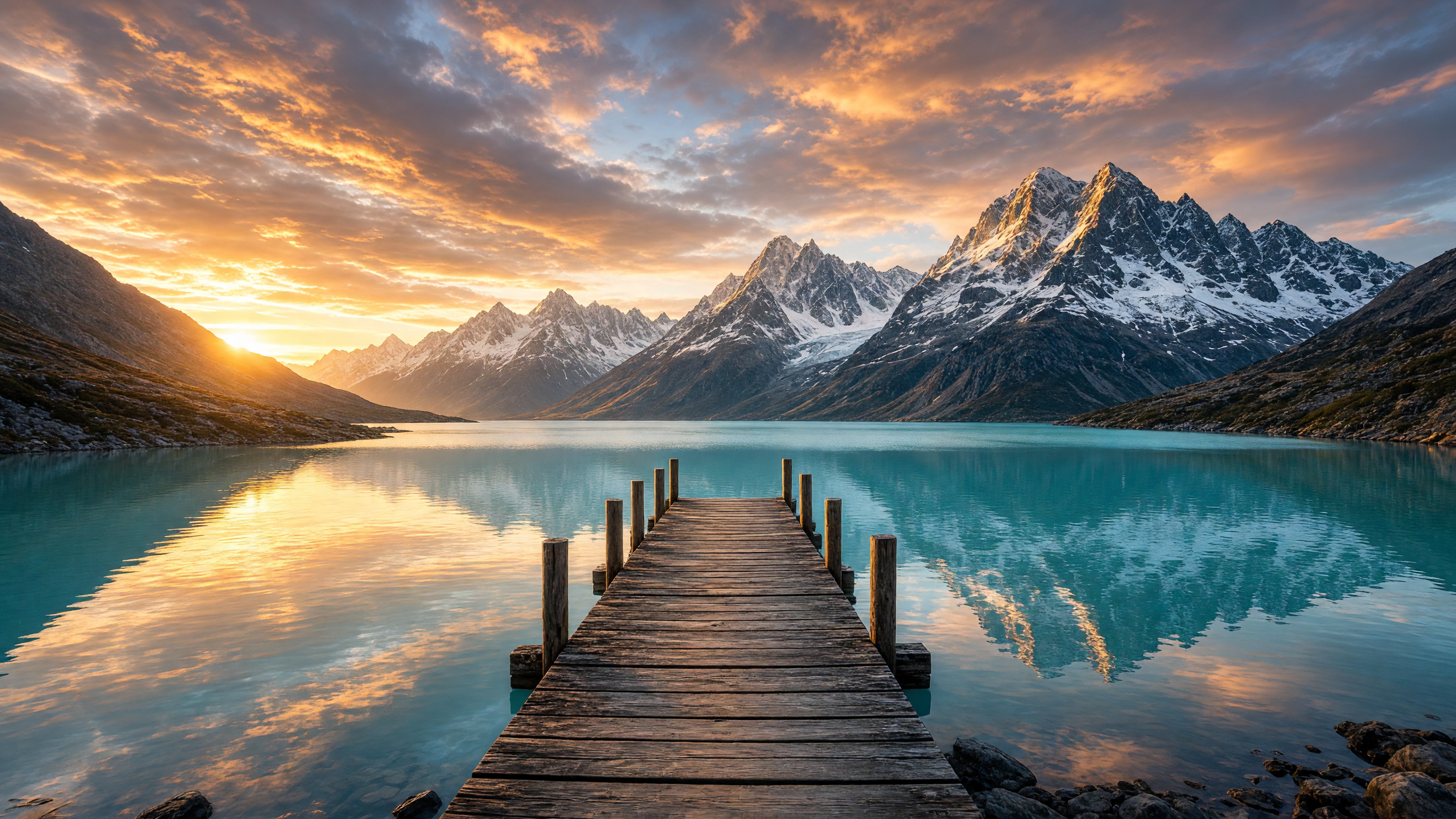
grok-imagine-image-2.0/text-to-image · resolution: 2k · quality: medium · aspect_ratio: 16:9 · finished in ~75s
The schema behind these five outputs
The live /v1/tasks schema for grok-imagine-image-2.0/text-to-image is intentionally small — four fields, nothing else is accepted:
prompt— requiredresolution—1kor2kquality—lowormediumaspect_ratio— one of 14 named ratios (1:1,16:9,9:16,4:3,3:4,3:2,2:3,2:1,1:2,19.5:9,9:19.5,20:9,9:20) plusauto
There's no seed, strength, or style parameter to guess at — every field above is confirmed by the live schema, not documentation. Full request/response shapes are in the API docs; the model's own page has the interactive playground if you want to test a prompt before wiring it into code.
Speed: what resolution and quality actually cost you in wait time
Across the five generations above, the gap between tiers was consistent: the 1k / quality: low icon finished in about 15 seconds, while every 2k / quality: medium image took roughly 70-76 seconds regardless of aspect ratio. If you're generating icons, thumbnails, or quick concept passes, staying at 1k/low gets you a nearly 5x turnaround improvement. Save 2k/medium for anything that leaves the screen — print, wallpapers, hero banners.
Pricing: flat regardless of size
grok-imagine-image-2.0/text-to-image is priced at $0.052 per image, flat — resolution, quality, and aspect ratio don't change the price (as of 2026-08). The sibling editing endpoint, grok-imagine-image-2.0/image-to-image, is a separate flat rate; see the pricing page for the current numbers across all models.
FAQ
Does grok-imagine-image-2.0 support image editing, not just text-to-image?
Yes — grok-imagine-image-2.0/image-to-image is a separate endpoint for edits and takes a reference image plus a prompt. This guide covers the text-to-image side only.
What resolutions can I request?
Two tiers: 1k and 2k. There's no 4k option on this model.
How many aspect ratios does it support?
14 fixed ratios (from 1:1 to ultra-wide 20:9 and ultra-tall 9:20) plus an auto option that lets the model choose.
How fast is generation?
About 15 seconds at 1k/quality: low, and 70-76 seconds at 2k/quality: medium, based on the generations in this guide.
Is there a cheaper way to prototype prompts before committing to 2k?
Yes — run your prompt at resolution: 1k and quality: low first. It's the same $0.052 price but returns in a fraction of the time, so it's a fast way to check composition before re-running at 2k for the final asset.
Try it yourself
All five prompts above are ready to paste directly into a request. Start on the grok-imagine-image-2.0/text-to-image model page to test them in the playground or grab the API snippet, and check the pricing page for current rates across every model. If you also need to edit an existing image rather than generate one from scratch, our grok-imagine-quality/image-to-image prompt recipes covers relighting, style transfer, and multi-reference composites on the editing side of the Grok Imagine family.