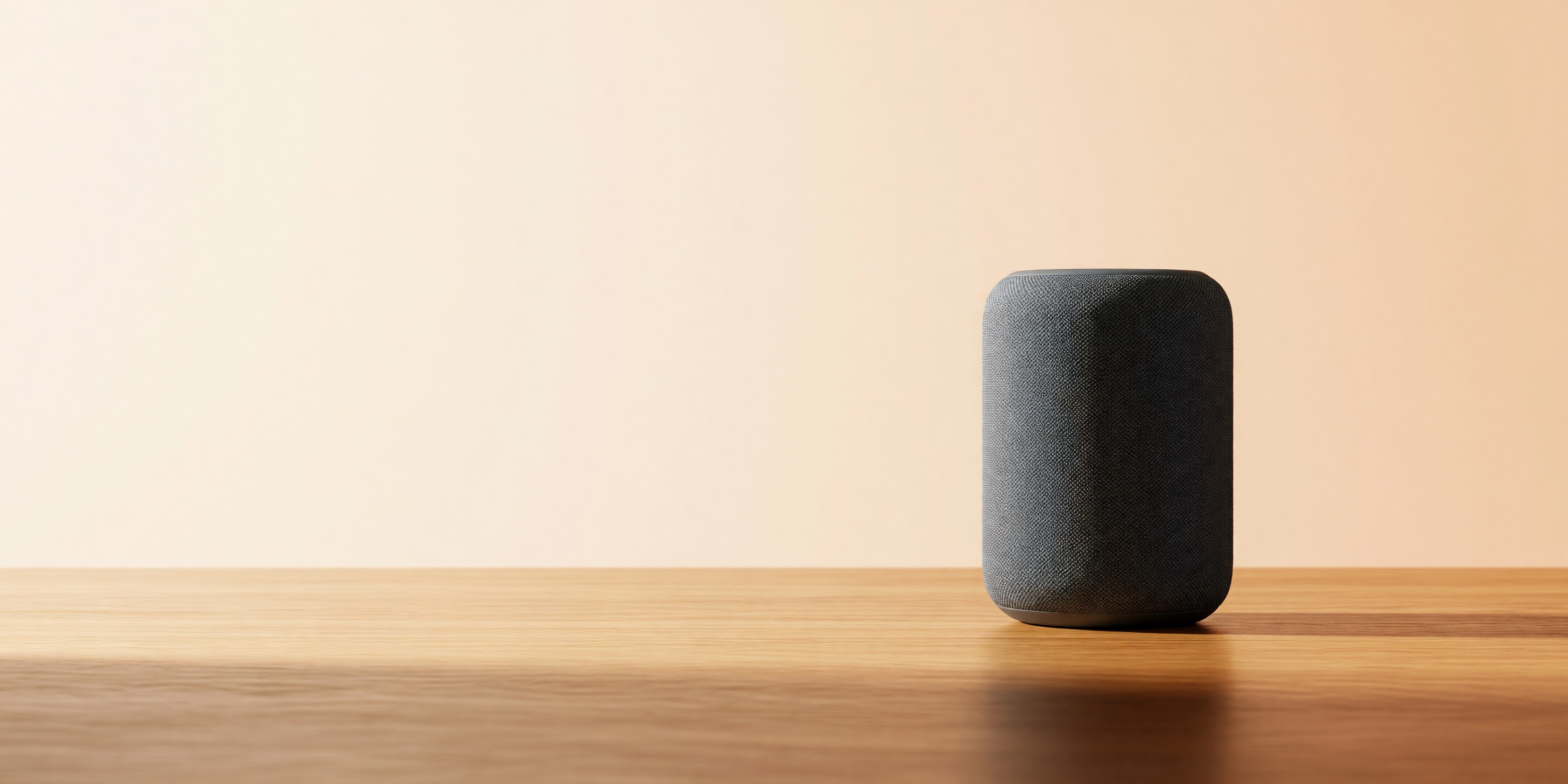
Most product-photo pipelines fall apart the moment you need the same shot in three different shapes: a square for the catalog grid, a tall crop for a mobile PDP, and a wide banner for the homepage hero. Re-cropping one hero image rarely looks right at every ratio — you either lose the product or end up with awkward empty space. grok-imagine/text-to-image sidesteps that by generating natively at whatever ratio you need, including two wide formats (2:1 and 20:9) built for exactly this kind of banner work, at a flat $0.03 per image on the hiapi API regardless of resolution.
This guide walks through the actual request shape, the schema gotchas we hit while testing it, a batch-generation script for running a full shot list against one product brief, and honest cost math for a catalog-sized run.
Where it sits on price
Verified against the hiapi pricing page at the time of writing:
| Model | Price per image | Resolution | Aspect ratio control |
|---|---|---|---|
| grok-imagine/text-to-image | $0.03 flat | 1K or 2K, same price | 13 ratios incl. 2:1, 20:9 |
| grok-imagine-quality/text-to-image | $0.07 (1K) / $0.10 (2K) | tiered by resolution | same ratio set |
The quality tier is a real step up in fine detail — reflections, fabric texture, small text — and is worth the extra cost for a small number of true hero shots. For the bulk of a catalog (grid thumbnails, lifestyle variants, alt angles), the base model is close enough that the 2-3x price difference isn't worth paying at volume.
The request that actually works
Every image on this page came from the same endpoint:
curl -s -X POST https://api.hiapi.ai/v1/tasks \
  -H "Authorization: Bearer $HIAPI_API_KEY" \
  -H "Content-Type: application/json" \
  -d '{
    "model": "grok-imagine/text-to-image",
    "input": {
      "prompt": "matte ceramic pour-over coffee dripper on a pale oak table, soft morning window light from the left, small negative space top-right, no text, no logo, product photography",
      "aspect_ratio": "1:1",
      "resolution": "2k"
    }
  }'
That returns a taskId; poll GET /v1/tasks/{taskId} until status is success, then pull output[0].url and download it — the URL is signed and expires, so save the bytes immediately rather than linking to it directly.
Three schema details tripped us up during testing, worth knowing before you build against this yourself:
aspect_ratiois a strict 13-value enum, not free-form. Sending anything else 400s with the full list:2:1,20:9,19.5:9,16:9,4:3,3:2,1:1,2:3,3:4,9:16,9:19.5,9:20,1:2. The two you want for banners are2:1and20:9— most image models on hiapi top out at21:9or don't offer an ultra-wide option at all.resolutionis lowercase only —"2k", not"2K". Sending the uppercase form is rejected outright rather than silently coerced.- The input schema is strict. Extra or misspelled fields (a leftover
negative_prompt, astylekey copied from another model's example) fail the whole request instead of being ignored.
Prompting for catalog-clean shots
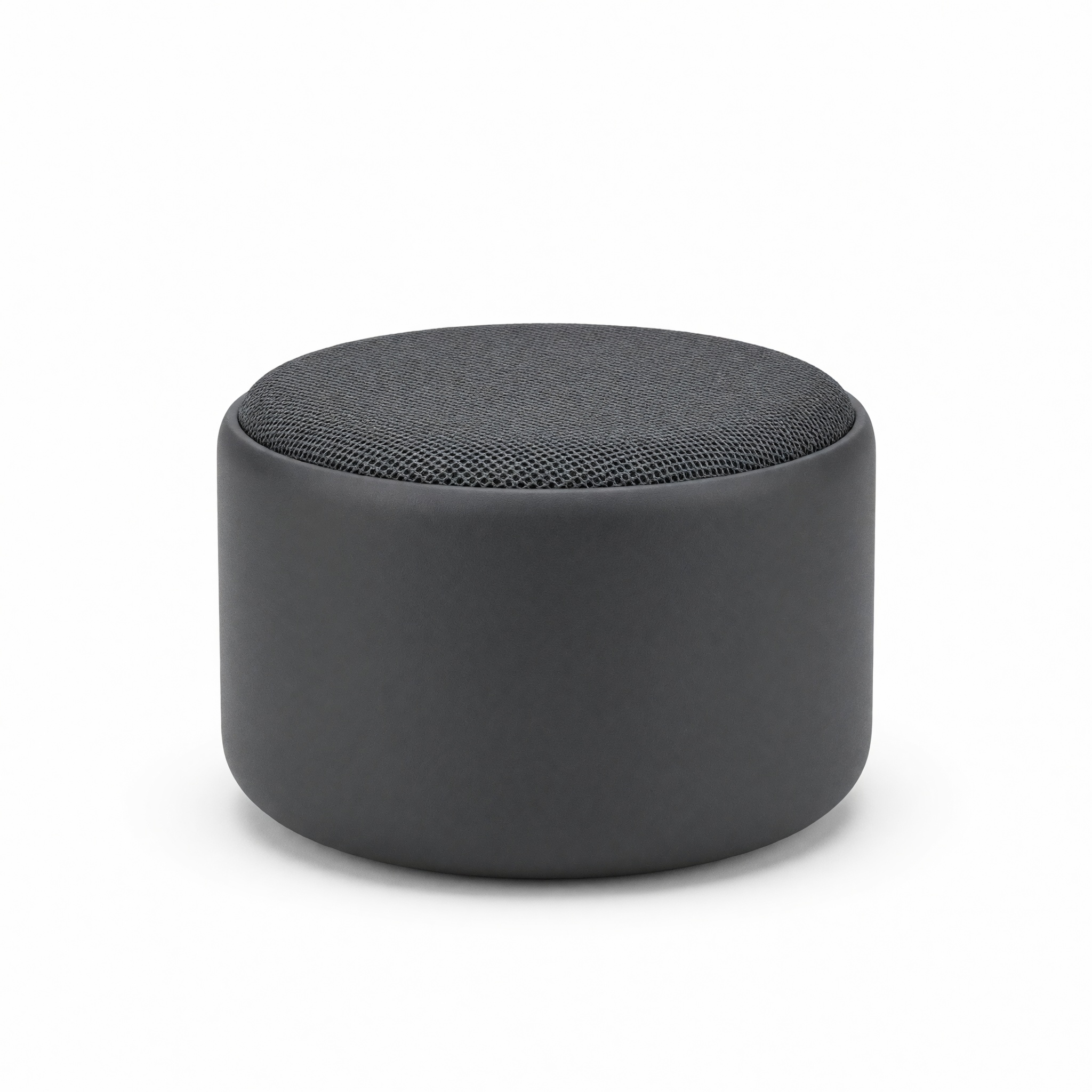
The single biggest lever for consistent catalog output is being explicit about what you don't want. For the white-background hero above, the working prompt was:
"matte ceramic pour-over coffee dripper on a pure white seamless background, studio softbox lighting, centered, no shadow gradient beyond a soft contact shadow, no text, no watermark, no props, e-commerce product photography, sharp focus"
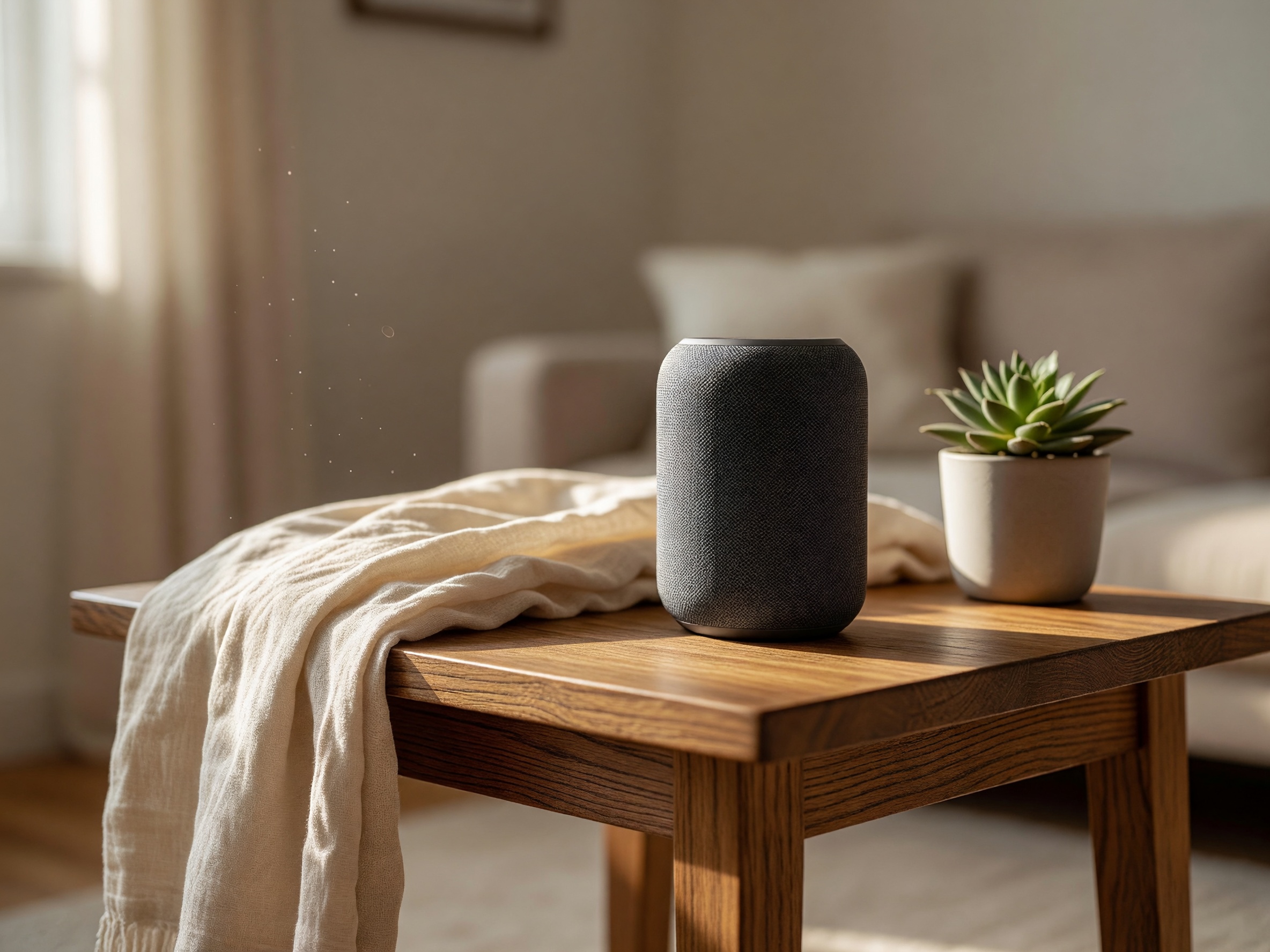
For a lifestyle variant meant for a PDP secondary image or an email banner, swap the background and lighting cues but keep the same "no text / no watermark / no props beyond named ones" discipline — it's what keeps grok-imagine from adding stray objects or illegible label text on the product itself:
"same ceramic pour-over dripper sitting on a wooden kitchen counter next to a steaming mug, warm morning light, shallow depth of field, cozy lived-in kitchen background softly out of focus, no text, no logo"
The ultra-wide banner workflow
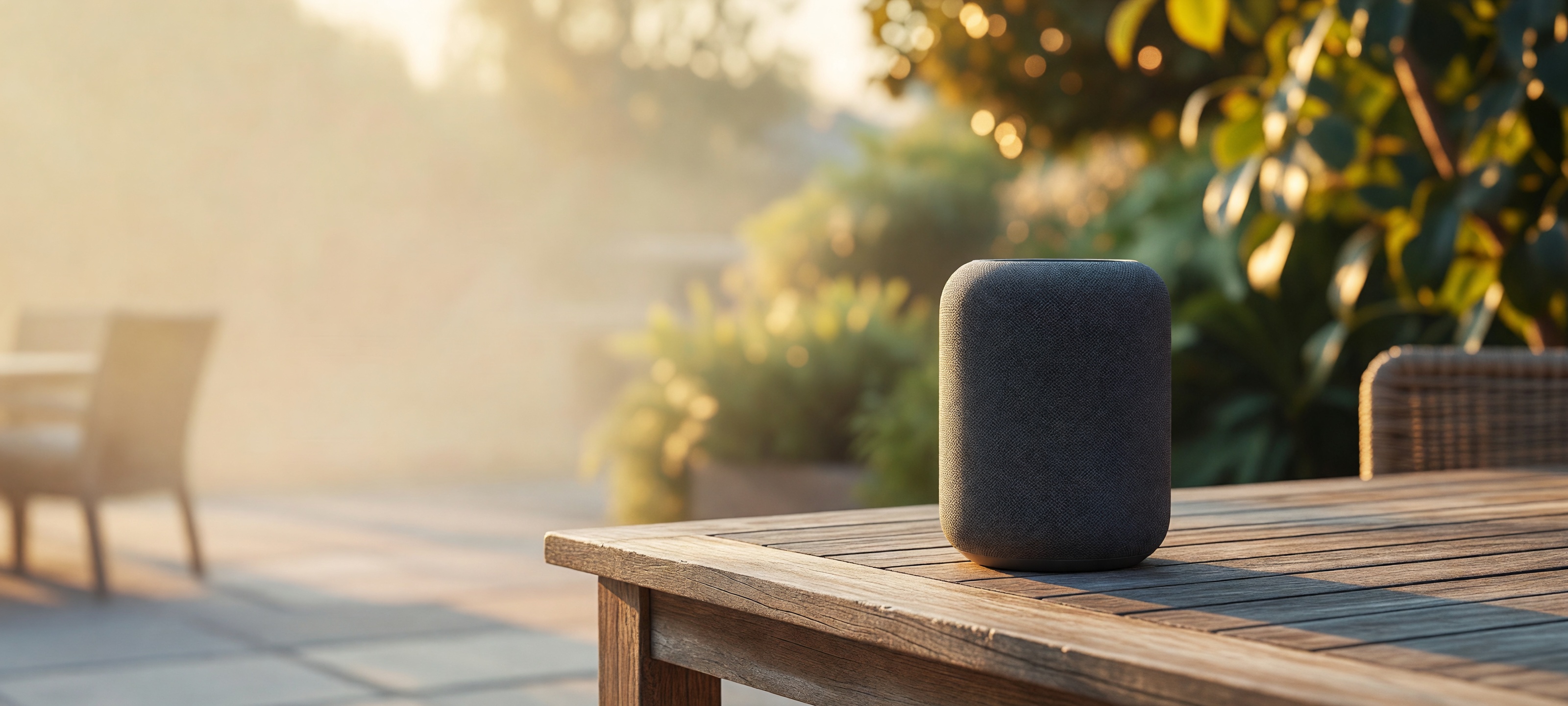
2:1 and 20:9 are the two ratios that make grok-imagine worth reaching for specifically when the brief is a homepage or category banner rather than a catalog thumbnail. The trick is to prompt for the negative space directly instead of hoping the crop works out — describe where the product sits in frame and what should be empty:
"matte ceramic pour-over coffee dripper positioned in the right third of frame, golden-hour outdoor light, generous empty negative space across the left two-thirds of the image for headline text overlay, cinematic wide composition, no text, no logo"
{
  "model": "grok-imagine/text-to-image",
  "input": {
    "prompt": "matte ceramic pour-over coffee dripper positioned in the right third of frame, golden-hour outdoor light, generous empty negative space across the left two-thirds of the image for headline text overlay, cinematic wide composition, no text, no logo",
    "aspect_ratio": "20:9",
    "resolution": "2k"
  }
}
If your CMS needs an exact pixel size rather than a ratio, generate at the nearest supported ratio and crop losslessly from there — see our notes on hitting exact dimensions through the API for the padding math.
Batch-generating a full shot list
A single product brief usually needs more than one shot. This mirrors the actual script used to produce the four images on this page — one task submitted per shot, polled to completion, then saved to disk:
import os
import time
import requests

API_BASE = "https://api.hiapi.ai/v1/tasks"
TOKEN = os.environ["HIAPI_API_KEY"]
HEADERS = {"Authorization": f"Bearer {TOKEN}", "Content-Type": "application/json"}

SHOTS = [
    {
        "name": "hero",
        "prompt": "matte ceramic pour-over coffee dripper on a pure white seamless "
                  "background, studio softbox lighting, centered, e-commerce product "
                  "photography, no text, no watermark",
        "aspect_ratio": "1:1",
    },
    {
        "name": "lifestyle",
        "prompt": "same ceramic pour-over dripper on a wooden kitchen counter next to "
                  "a steaming mug, warm morning light, shallow depth of field, no text",
        "aspect_ratio": "4:3",
    },
    {
        "name": "banner",
        "prompt": "ceramic pour-over dripper in the right third of frame, soft studio "
                  "light, empty negative space across the left two-thirds for headline "
                  "text, no text, no logo",
        "aspect_ratio": "2:1",
    },
]


def create_task(shot):
    payload = {
        "model": "grok-imagine/text-to-image",
        "input": {"prompt": shot["prompt"], "aspect_ratio": shot["aspect_ratio"], "resolution": "2k"},
    }
    resp = requests.post(API_BASE, headers=HEADERS, json=payload, timeout=60)
    resp.raise_for_status()
    return resp.json()["data"]["taskId"]


def wait_for_result(task_id, poll_interval=5, timeout_s=300):
    deadline = time.time() + timeout_s
    while time.time() < deadline:
        resp = requests.get(f"{API_BASE}/{task_id}", headers=HEADERS, timeout=30)
        task = resp.json()["data"]
        if task["status"] == "success":
            return task["output"][0]["url"]
        if task["status"] == "fail":
            raise RuntimeError(task.get("error"))
        time.sleep(poll_interval)
    raise TimeoutError(f"task {task_id} did not finish in {timeout_s}s")


for shot in SHOTS:
    task_id = create_task(shot)
    url = wait_for_result(task_id)
    image_bytes = requests.get(url, timeout=120).content
    with open(f"{shot['name']}.jpg", "wb") as f:
        f.write(image_bytes)
    print(f"{shot['name']}: saved {len(image_bytes)} bytes")
Submit all three tasks first and poll them concurrently (a small asyncio or thread pool) if you're running a full multi-SKU batch — each task typically finishes in under a minute, and running them serially just adds idle wait time for no reason.
What a real catalog run costs
At $0.03 flat per image, the three-shot set above (hero + lifestyle + banner) costs $0.09 per SKU. Scaled up:
- 50 SKUs × 3 shots = 150 images → $4.50
- 500 SKUs × 3 shots = 1,500 images → $45
- Add a
grok-imagine-qualityupgrade for just the hero shot at 2K ($0.10 instead of $0.03) and 500 SKUs becomes $80 total — still a rounding error next to a single traditional product photoshoot.
grok-imagine vs. the rest of the lineup
If a shot needs to move — a 6-second product-in-motion clip for a social ad rather than a static banner — the same family covers that through grok-imagine-image-to-video, which takes one of these stills as the starting frame; we cover that workflow separately in our short-form video guide. For teams comparing against a Nano-Banana-based catalog pipeline, our Nano-Banana e-commerce guide is the closest side-by-side reference — same task API shape, different model strengths.
FAQ
Does grok-imagine/text-to-image support reference images (i2i), not just text prompts?
Yes — that's a separate model variant (grok-imagine/image-to-image) with its own input schema. This guide covers the pure text-to-image path.
Why did my request 400 with an "additional properties" error?
The input schema is strict. Double-check you're only sending prompt, aspect_ratio, and optionally resolution — no extra fields carried over from another model's example.
Can I get an exact ratio like 1200×630 instead of picking from the enum?
Generate at the closest supported ratio (16:9 is close to a lot of web banner shapes) and crop losslessly in post — see the exact-dimensions guide linked above for the specific padding approach.
Is 2K resolution worth the wait over 1K? Price is identical either way on this model, so unless you have a hard latency budget, default to 2K — you get more detail for free.
Try it yourself
All the API access here is available on a standard hiapi key — see the docs for authentication and the full task-polling reference, and the pricing page for current rates across the full model lineup before you commit to a batch run.









