Blog
AI Image & Video API Guides
Hands-on model tests, production tutorials, prompt techniques, and current API pricing for generative media teams.

MiniMax H3 for Short-Form Video: A Hands-On Guide to the hiapi API
MiniMax H3 generates natively at 2K and renders clean vertical 9:16 output — no cropping or upscaling needed for TikTok/Reels/Shorts delivery. It supports three generation modes: text-to-video, image-to-video (with first/last-frame control), and reference-driven generation from images, video, or audio. Clips run 4 to 15 seconds at $0.1189/second (as of 2026-08 data from hiapi's pricing page) — a 4-second clip costs roughly $0.48, a 15-second clip roughly $1.78. Specific, physical prompt language (materials, light direction, camera framing) produced a clean, on-model result in our test — vague prompts are the most common cause of drifting or generic-looking output. All requests go through hiapi's single asynchronous task endpoint, the same submit-and-poll shape used across every video model on the platform.
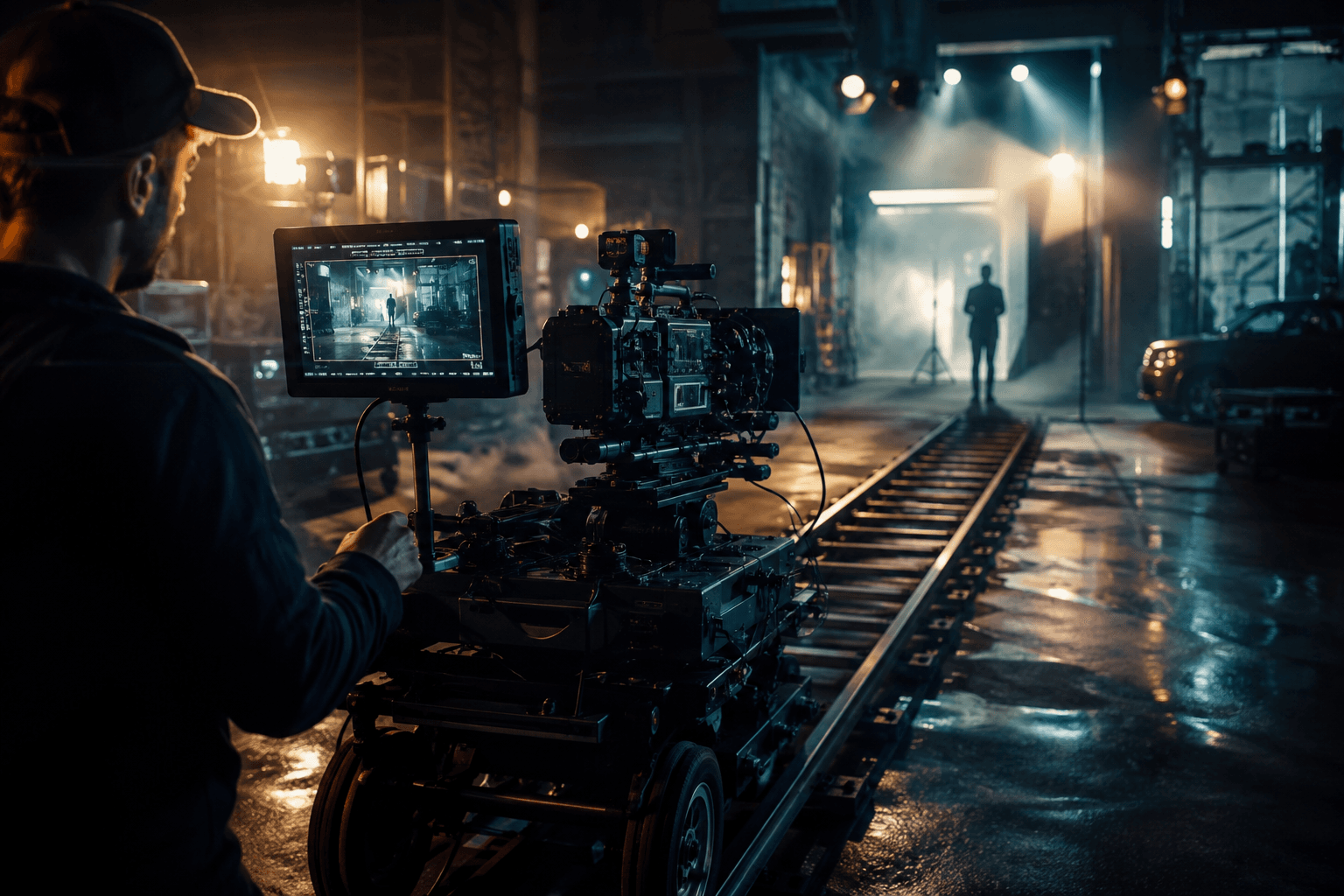
Cinematic Camera Movements in AI Video: A Prompt Guide for Kling, Veo, Grok Imagine, and Seedance
Naming the camera movement explicitly (push-in, pan, orbit, crane) is the biggest lever for cinematic AI video — vague prompts default to static shots. Push-in and orbit were the most reliable movements across Kling 3.0 Turbo, Veo 3.1, Grok Imagine 1.5, and Seedance 2.5. Seedance 2.5's reference-to-video mode can lift a camera path from an existing clip and reapply it to a new subject via @video1. Veo 3.1 handled wide-geography pans and pull-backs best; Kling 3.0 Turbo and Grok Imagine 1.5 were stronger for close-range product moves. Grok Imagine 1.5 is the cheapest model to iterate camera-movement prompts on, at $0.0114-0.0214 per second.
LTX-2.5 API Alternatives: 3 HiAPI Video Models Compared
fal.ai launched LTX-2.5 across 18 pages at once (t2v/i2v/audio-to-video x Fast/Pro), a strong signal of launch-period search demand. LTX-2.5 is not in HiAPI's model catalog -- this article explains what it claims, without linking fal.ai. wan2.7-video is the cheapest per-second option but has no native audio. seedance-2.5 and veo-3.1 both generate native audio; seedance-2.5 goes up to 30s, veo-3.1 goes up to 4K. All three are callable today via HiAPI's single /v1/tasks endpoint.
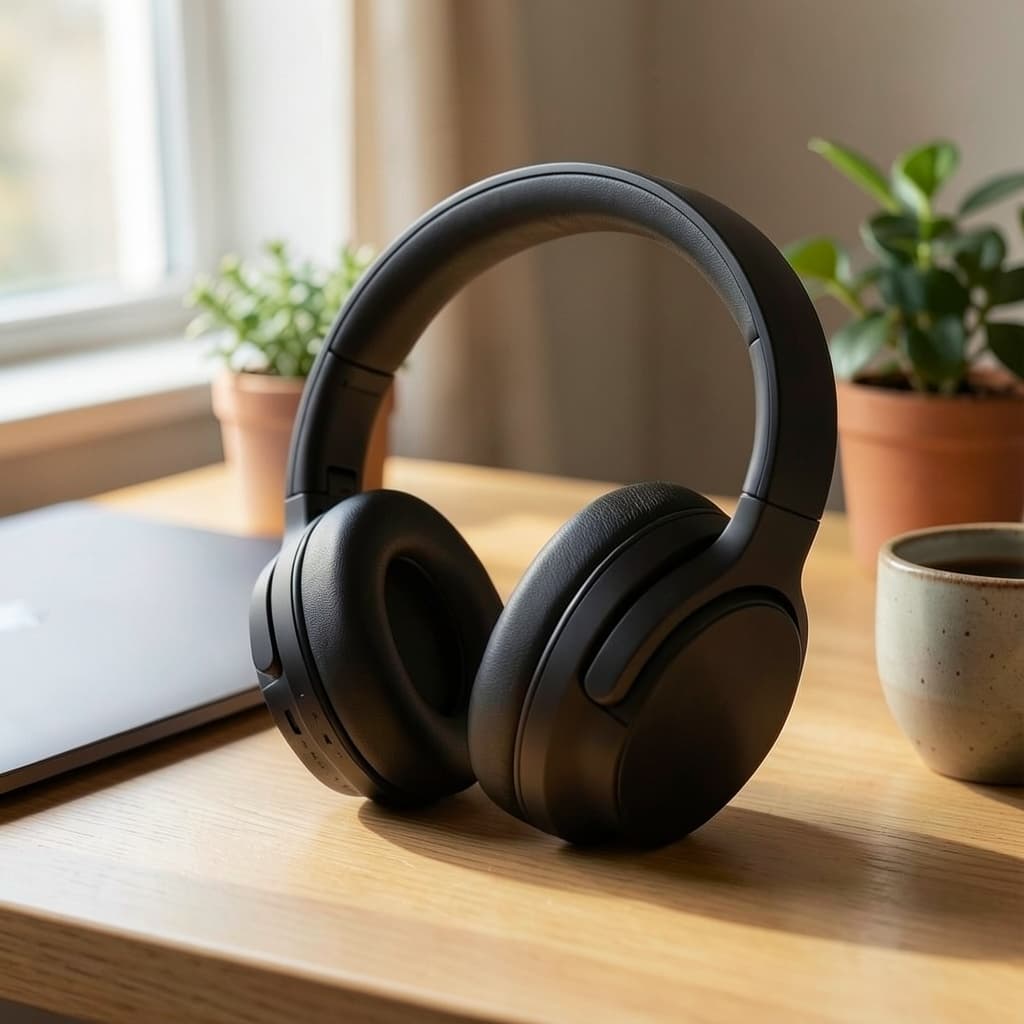
Flux-2-Klein-4b Image-to-Image for E-Commerce Product Photos
flux-2-klein-4b/image-to-image edits an existing product photo instead of generating one from scratch, keeping shape, logo, and proportions stable. Two real edits are shown end to end: a background swap into a lifestyle scene, and a material swap from matte black to tan leather. The reliability trick is naming what must stay fixed before describing the change — vague style words drift more than literal, scoped instructions. A batch Python script covers running the same pattern across a full product catalog via hiapi's async /v1/tasks endpoint. At 1MP resolution each edit costs $0.00715 (as of 2026-08); higher resolution tiers cost more.

How to Use the qwen-image-3.0 API: curl, Python, and a Working Request
qwen-image-3.0 is live on hiapi's async /v1/tasks API today. Only two input fields: prompt (required) and size (optional, WIDTH*HEIGHT format). size must use a * separator, not x — x is accepted at submission but fails at generation. Includes working curl and Python examples plus callback, idempotency, and error-handling guidance for production use.

How to Use qwen-image-3.0-pro via the hiapi API: curl, Python, and a Working Request
qwen-image-3.0-pro runs on hiapi's unified task API: POST /v1/tasks to create, poll GET /v1/tasks/<id>, download data.output[0].url. prompt is the only required field; size ("WIDTH*HEIGHT", e.g. "1328*1328") is optional and validated at generation time, not request time. There's no n or aspect_ratio field on this model - use size for dimensions, and expect one image per task. Output URLs are signed with expireAt: download the PNG immediately, never store the hot link.

Seedance 2.5 Image-to-Video Prompts: A First-Last-Frame Recipe With a Real Rendered Example
Seedance 2.5 image-to-video accepts a first frame, or a first+last frame pair, and interpolates the motion between them — the last-frame option is what makes it different from a plain text-to-video model. Pricing is a flat $0.3019 per second regardless of resolution (480p and 720p cost the same); the cheapest legal clip is 4 seconds, or $1.2076. Output aspect ratio always follows the first frame image — there is no separate aspect_ratio choice, so get your frame's crop right before you submit the task. Below is one real recipe run end-to-end: two self-generated frame images, the exact prompt and request JSON used, and the actual rendered 4-second clip — not a mockup. The output includes a native synchronized audio track by default; you don't need to request it separately.

How to Use the seedance-2.5/text-to-video API: curl, Python, and a Working Request
Working curl and Python examples for calling seedance-2.5/text-to-video through hiapi's unified async task API. Covers the exact input schema (prompt, duration, resolution, aspect_ratio), callbacks vs polling, and the 401 permission_denied error shape.

How to Use the seedance-2.5/reference-to-video API: curl, Python, and a Working Request
Minimal curl and Python calls that create a real seedance-2.5/reference-to-video task and poll it to completion. Multimodal references: reference_video_urls is required, reference_image_urls and reference_audio_urls are additive layers on top. Production patterns: callback vs polling, duration/resolution/aspect_ratio limits, pricing, and the exact 401 error shape to handle.

Seedance 2.5 Image-to-Video API: A Working curl and Python Example
Minimal curl and Python calls that create a real seedance-2.5/image-to-video task and poll it to completion. First-last frame control: set both first_frame_url and last_frame_url to guide the whole clip, not just the opening frame. Production patterns: callback vs polling, duration/resolution limits, and the exact 401 error shape to handle.
Build with the models you just read about.
Compare image, video, and audio models, then use the same API workflow in production.