Product imagery is the highest-volume, most repetitive image job most teams have: a clean packshot for every SKU, a lifestyle shot for the landing page, a packaging mockup for the pitch deck. It is also the job where a generation API pays off fastest, because the brief is concrete and you run it hundreds of times. This guide shows three production-grade product shots generated with the GPT Image 2 API on hiapi — each with the exact prompt, parameters, task ID, and cost — plus the one-call API pattern behind them.
GPT Image 2 is hiapi's default recommendation for product work because it follows a brief literally: named objects, surface materials, lighting direction, and on-pack text all land where you ask. At $0.03 per image it is cheap enough to fan out across a catalog.
The one call behind every shot
Every image below is a single POST /v1/tasks call — create the task, poll (or take a callback), download the result. No fine-tuning, no reference images, no post.
curl -X POST https://api.hiapi.ai/v1/tasks \
  -H "Authorization: Bearer $HIAPI_TOKEN" \
  -H "Content-Type: application/json" \
  -d '{
    "model": "gpt-image-2/text-to-image",
    "input": {
      "prompt": "Professional e-commerce packshot of a matte-white ceramic pour-over dripper on a pure-white background, soft softbox lighting",
      "aspect_ratio": "1:1"
    }
  }'
The only knobs that change the bill are resolution: $0.03 at 1K, $0.04 at 2K, $0.06 at 4K. Aspect ratio is free — pick 1:1 for catalog tiles, 4:3 or 16:9 for lifestyle, 3:4 or 9:16 for vertical.
Shot 1: the white-background packshot
The bread-and-butter catalog image — product centered on seamless white, soft shadow, no distractions. This is the one you generate per SKU.
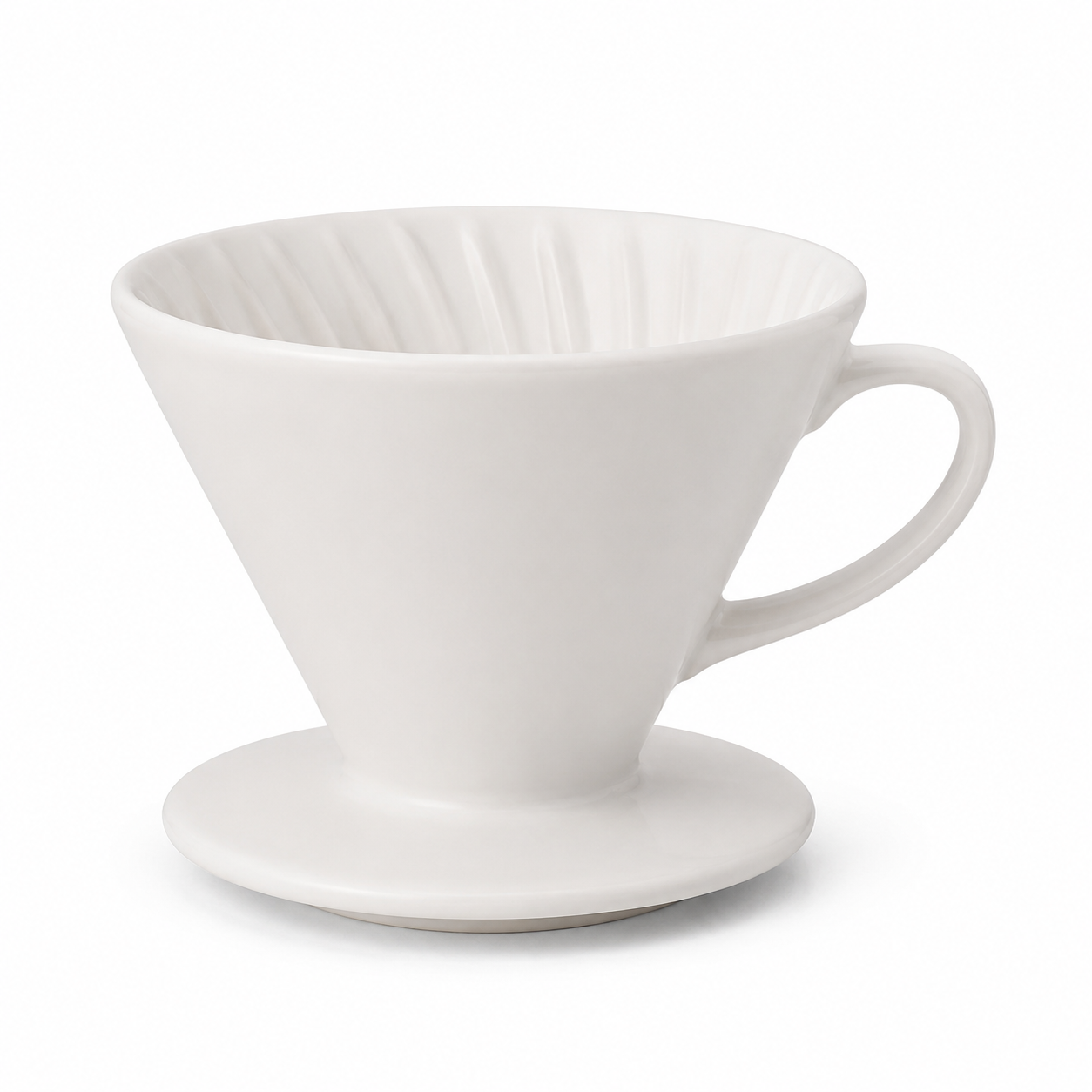
Professional e-commerce packshot of a matte-white ceramic pour-over coffee
dripper on a seamless pure-white studio background, soft even softbox lighting,
subtle contact shadow, crisp focus, centered, high detail, catalog product
photography.
- Model:
gpt-image-2· aspect_ratio:1:1· Task ID:tk-hiapi-01KVQJ250WGS0V3CDQ14N8J86C· Cost: $0.03 - What to copy: the phrases that do the work are "seamless pure-white background", "soft even softbox lighting", and "subtle contact shadow". They keep the background clean and the product grounded instead of floating.
Shot 2: the lifestyle / in-context shot
The same product, but staged — the image you put above the fold to sell a feeling, not just a SKU. Switch the aspect ratio to 4:3 and describe the scene and light.
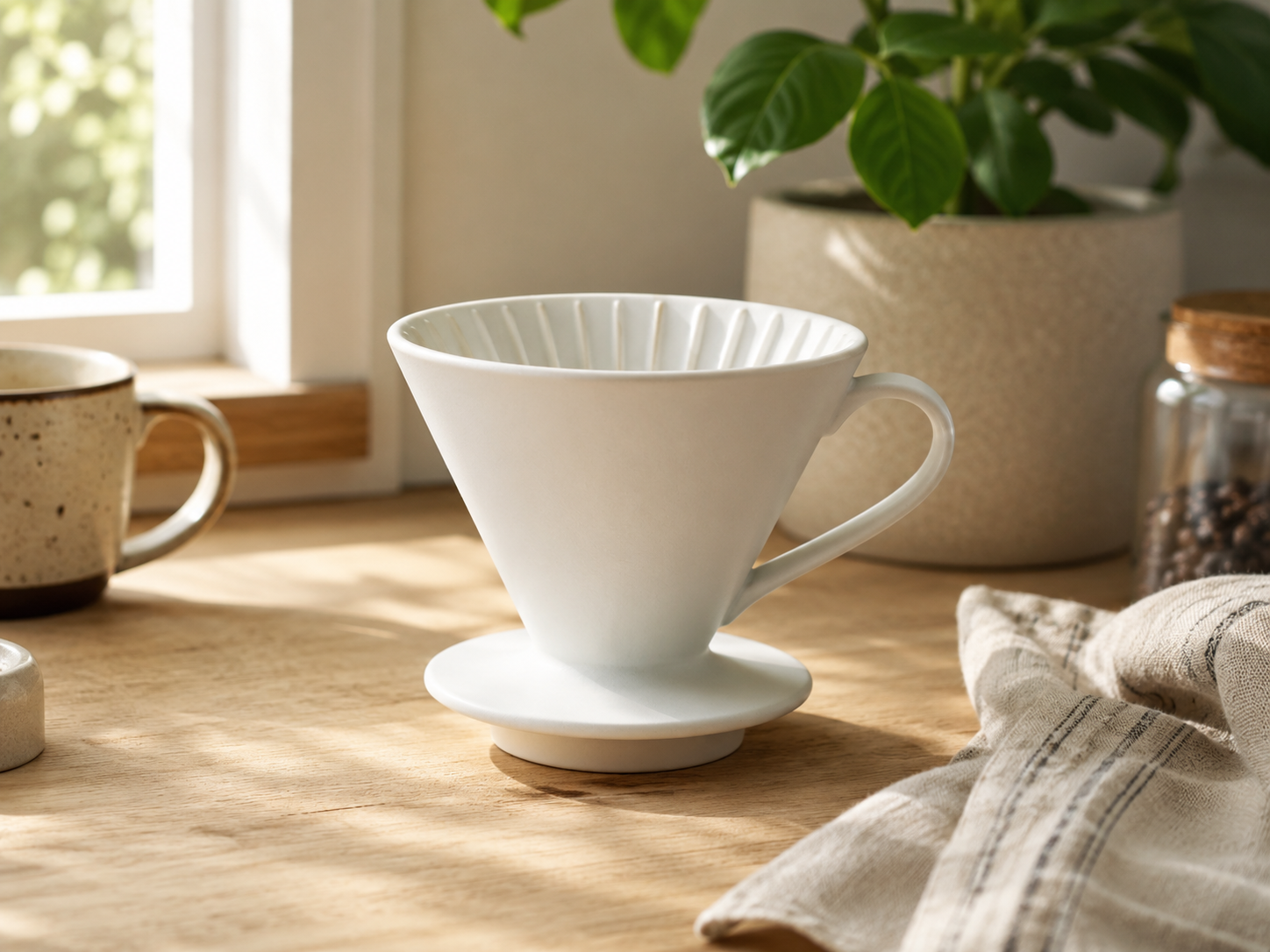
Lifestyle product photo of the same matte-white ceramic pour-over coffee dripper
sitting on a light oak kitchen counter, morning window light from the left, a
blurred plant and a linen towel in the background, warm natural tones, shallow
depth of field, premium homeware editorial look.
- Model:
gpt-image-2· aspect_ratio:4:3· Task ID:tk-hiapi-01KVQJ4GPRM5WJ0QDYS3HPKQZD· Cost: $0.03 - What to copy: name the surface ("light oak kitchen counter"), the light direction ("morning window light from the left"), and what is blurred in the background. "Shallow depth of field" is what makes it read as a real camera rather than a render.
Shot 3: packaging with on-pack text
The shot most generators fail: a product with legible printed text. GPT Image 2's strength is exactly this — it renders short headlines and labels cleanly, which is why it is the safer pick for packaging mockups, hang tags, and anything with a brand name on it.
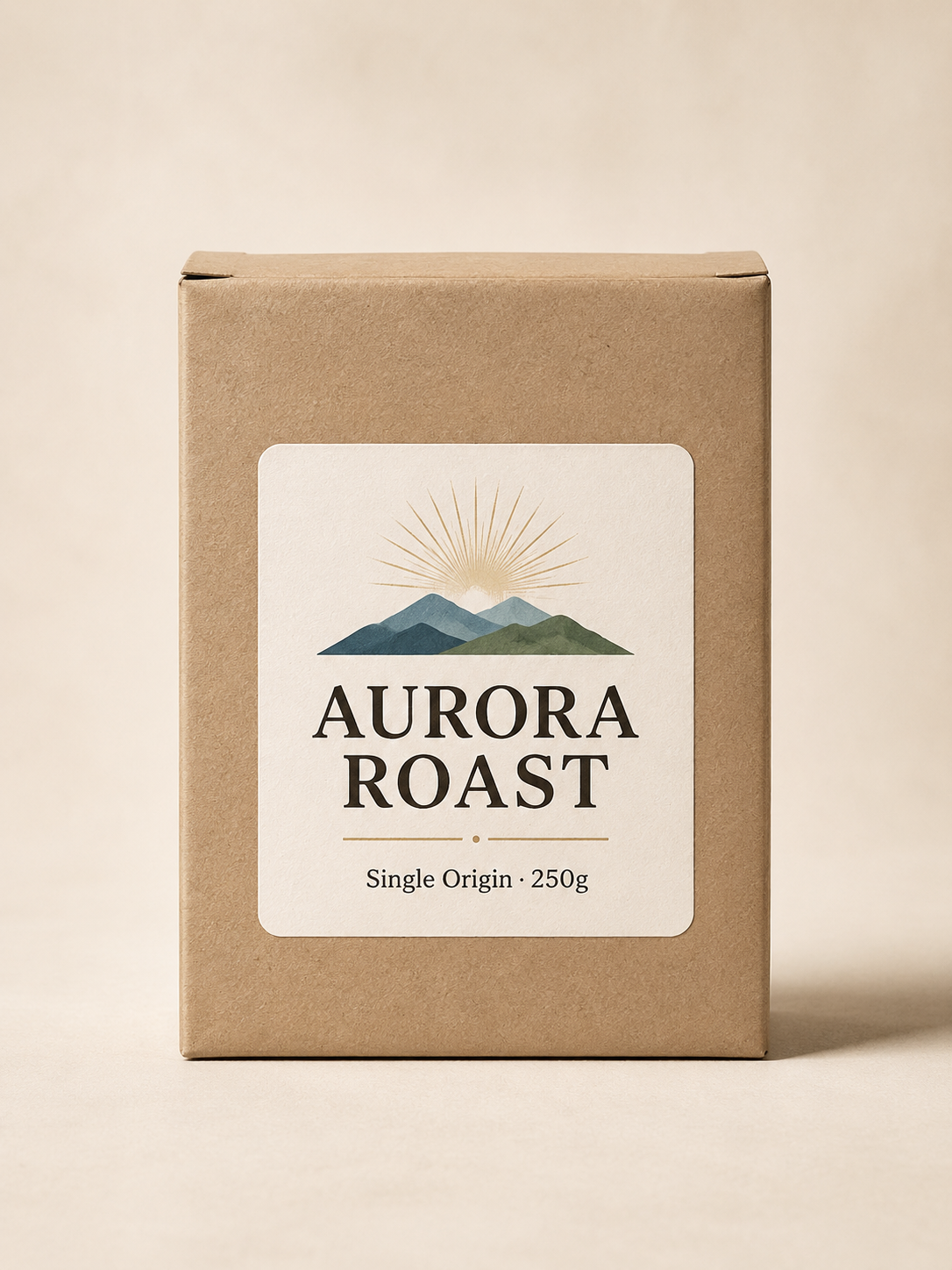
A minimalist product packaging box for specialty coffee on a cream backdrop,
soft studio light. The kraft-paper box has a clean printed label with two crisp
lines of text: a large headline reading "AURORA ROAST" and a smaller subtitle
"Single Origin · 250g". Photoreal product photography, centered, legible text.
- Model:
gpt-image-2· aspect_ratio:3:4· Task ID:tk-hiapi-01KVQJ7MJNKT9XZPF5GVWG3KNC· Cost: $0.03 - What to copy: put the exact text in quotes and say where it goes ("a large headline reading...", "a smaller subtitle..."). Quoting the copy is the single biggest factor in getting it rendered correctly. Always read the output and re-run if a character is off.
Putting it in production
Three shots, three single calls, $0.09 total. The pattern scales the same way at catalog volume:
- Forecast the bill exactly. At a flat $0.03 per 1K image, a 500-SKU catalog of packshots is $15. No token accounting, no surprises.
- Iterate, then fan out. Lock the prompt on one SKU, then template it — swap the product noun and the on-pack text per item.
- Use callbacks at volume. For a batch run, pass a
callbackobject instead of polling each task.
For a deeper e-commerce pipeline (batch variants, background swaps, model routing), see the GPT Image 2 e-commerce workflow. For more copy-paste prompts across use cases, see the GPT Image 2 prompt templates.
Ready to run your own products? Try a prompt on the GPT Image 2 model page, then move to the API with the one-call pattern above.









